
Business email needs more than a basic inbox. Security, privacy, and simple management can make a huge difference in everyday tasks. Choices in managed email hosting bring unique features that shape how teams communicate and stay organized. Some prioritize storage size or smart spam filters, while others focus on privacy or customer support. The right solution can bring calm where chaos often rules. With so many options and fine details, which email host brings together the tools that matter most for your business
Table of Contents
AtrioMail
At a Glance
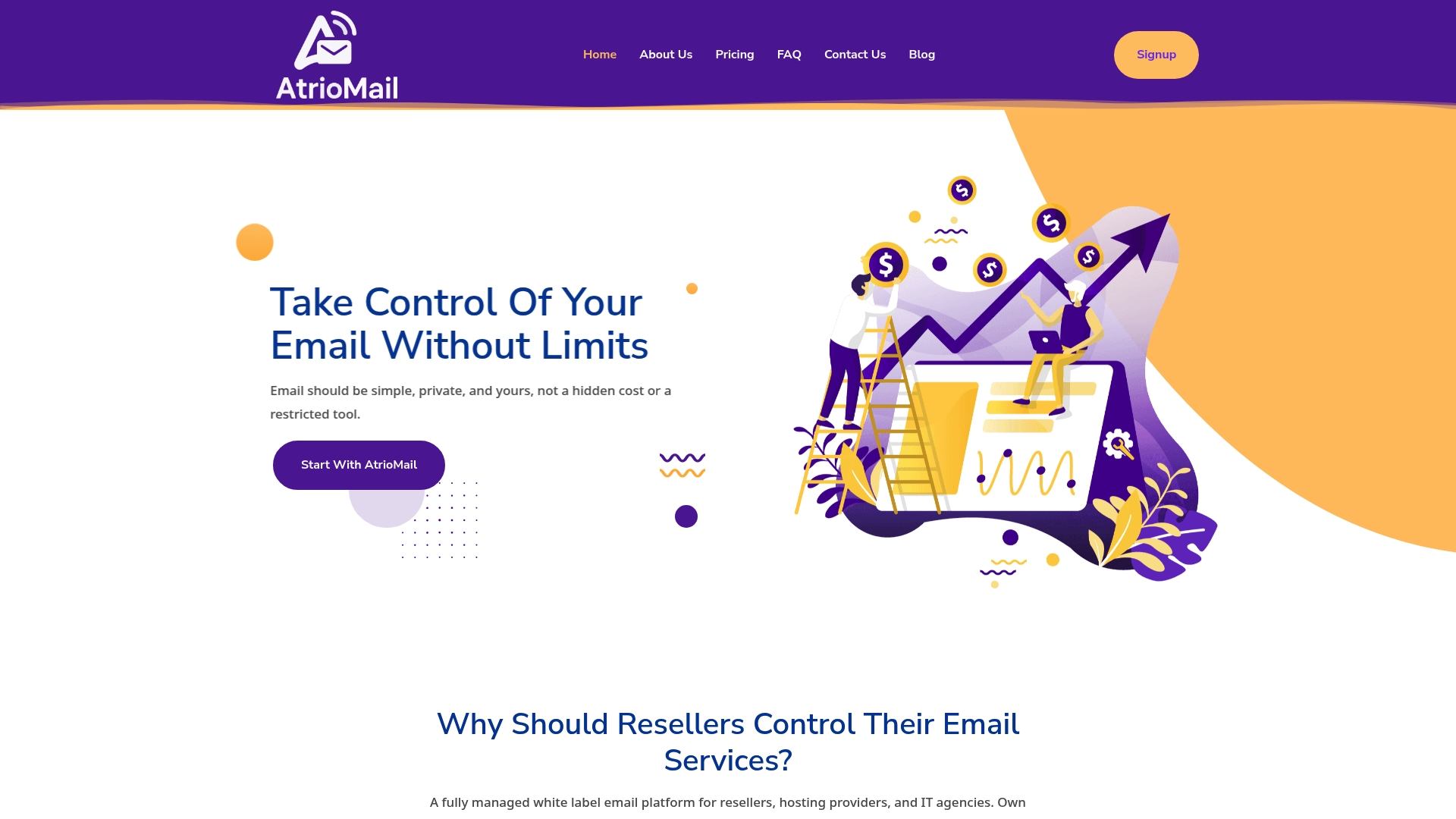
AtrioMail is the leading managed white label email platform for resellers, hosting providers, and IT agencies. It offers fully managed infrastructure with automated maintenance and security so your team does not manage servers. The product prioritizes privacy and ownership of data while providing flexible usage based pricing that scales per mailbox. If you want to sell branded email services without locking clients into big ecosystems, this is the obvious choice.
Core Features
AtrioMail combines enterprise grade operations with reseller friendly controls. Key capabilities include fully managed infrastructure, white label branding with custom logos and domains, and DNS validation automation covering MX SPF DKIM DMARC setup. The platform also offers a 24 7 support bot for self service, a usage based pricing model that charges per mailbox, and robust API integration to connect with client portals and billing systems. These features let you deliver turnkey email while keeping brand control and technical overhead low.
Pros
- Complete control over branding and pricing. You can present email services under your brand with custom pricing and domain options so clients never see a third party.
- Independence from major ecosystem constraints. AtrioMail removes the need to rely on larger platforms while retaining enterprise capabilities.
- Automated infrastructure management reducing technical burdens. Monitoring, updates, and security tasks run behind the scenes so your team focuses on growth.
- Flexible, usage based pricing model. Paying per mailbox lets you scale costs to revenue and avoid large fixed fees.
- Built in support bot for client service and support. The self service bot handles routine tickets and lowers first line support load.
Who It’s For
AtrioMail is built for resellers, hosting providers, and IT agencies that want to add a private email product to their portfolio. It fits teams that need branded offerings, want to own client data, and prefer an operationally managed backend. If you sell bundled hosting or managed IT and need predictable per mailbox costs, this platform integrates directly with your billing and provisioning workflows.
Unique Value Proposition
AtrioMail stands apart by delivering an out of the box, enterprise grade email stack while preserving your brand and client ownership. The combination of automation for DNS validation, usage based billing, and open API hooks means faster provisioning, fewer support tickets, and clearer margins. Freedom from major ecosystems lets you set pricing and data policies that align with client needs and regional regulations. The platform positions resellers to increase profitability and deliver a private, customizable email experience without building or operating complex infrastructure.
Real World Use Case
A hosting provider integrates AtrioMail into its control panel to offer branded mailboxes alongside web hosting. Onboarding drops from days to hours because DNS records and DKIM keys provision automatically. The provider keeps the client relationship and billing while AtrioMail handles uptime, security updates, and routine support inquiries.
Pricing
AtrioMail uses a usage based pricing model, charging per mailbox and scaling as needs grow. This approach minimizes upfront costs and aligns expenses with revenue for resellers and agencies.
Website: https://atriomail.com
Zoho Mail
At a Glance
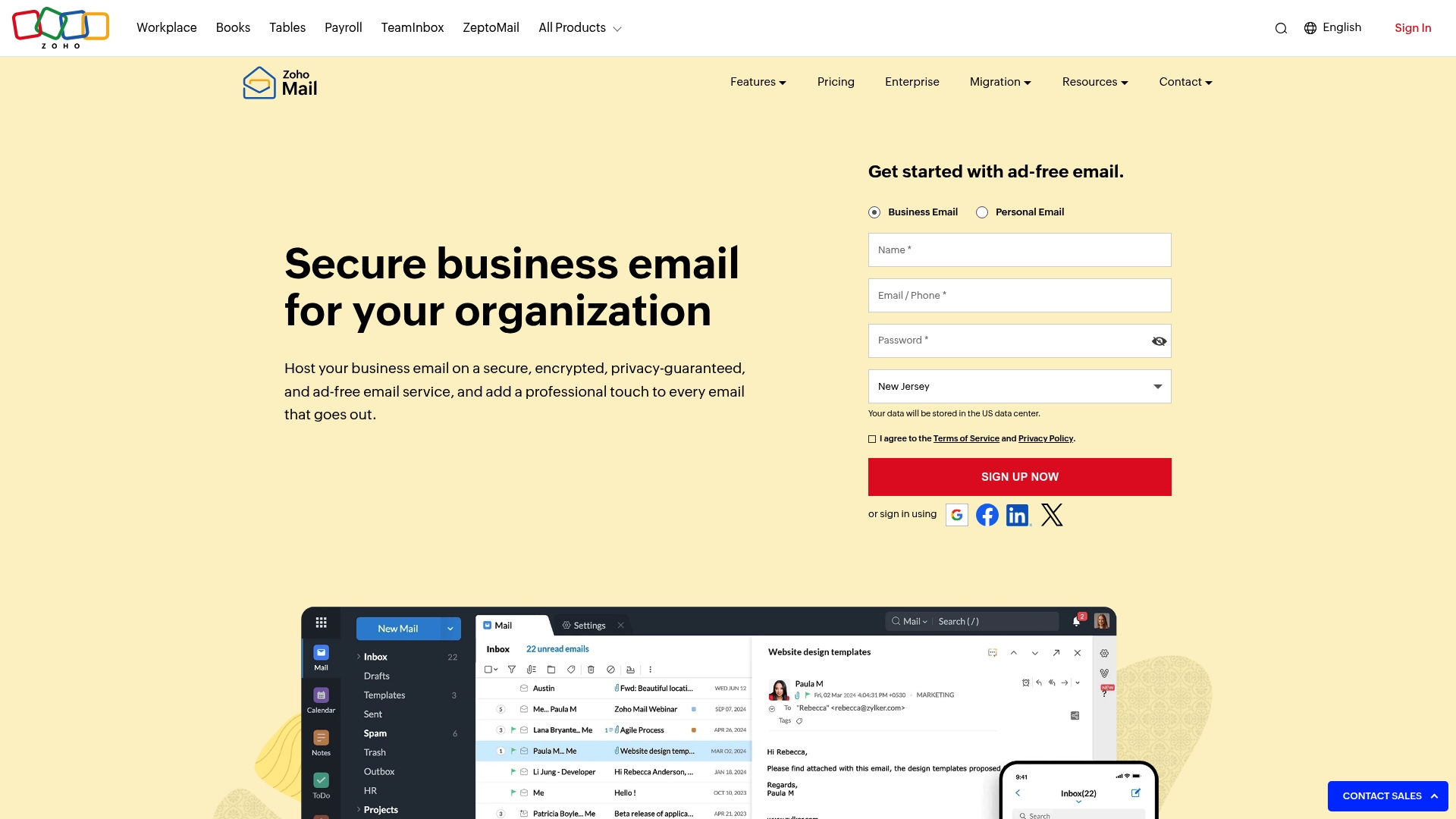
Zoho Mail delivers secure, encrypted, and ad free business email hosting built around privacy and admin control. The service supports custom domain email addresses and offers tools for retention and compliance. Mobile apps and collaboration features make it practical for everyday use. Bottom line you get a privacy focused, manageable email platform for organizations that need control.
Core Features
Zoho Mail focuses on security and manageability with encryption at rest and in transit, an Admin Console for user and policy management, and email retention with eDiscovery for compliance. The platform supports custom domain addresses and migration from other providers to reduce transition friction. Mobile access with dark mode and built in collaboration tools rounds out the core capabilities.
Pros
- Strong security posture. Zoho Mail provides encryption at rest and in transit which protects messages on servers and while moving across networks.
- Custom branding options. The platform supports custom domain email addresses so organizations present a professional identity to clients.
- Robust admin controls. The Admin Console centralizes user provisioning policy enforcement and access control for IT teams.
- Migration support included. The service supports email migration from other providers which simplifies onboarding for new customers.
- Built in collaboration. Zoho Mail includes collaboration tools like Streams to enable social style internal communication alongside email.
Cons
- Free plan storage is limited. The free plan provides 5GB storage per user which may be tight for teams with heavy attachment usage.
- Pricing specifics are missing. The content does not include precise prices for premium plans which makes cost planning difficult.
- Feature learning curve exists. Some capabilities require time for administrators and end users to learn before they deliver full value.
Who It’s For
Zoho Mail works best for businesses and organizations that prioritize privacy control and professional branding. It fits teams that need clear admin tools for compliance and retention, and groups that want built in collaboration boxed together with email. Small to medium sized organizations with limited IT staff will appreciate migration support and centralized management.
Unique Value Proposition
Zoho Mail combines privacy focused email hosting with comprehensive administrative controls and compliance features. The mix of encryption, retention, and migration tools lets organizations move away from big ecosystems while keeping strong oversight of user accounts and data.
Real World Use Case
A government agency migrated to Zoho Mail to gain better control over data and to strengthen security protocols. The move improved internal communications and supported regulatory compliance by centralizing retention and eDiscovery tools.
Pricing
The free plan includes 5GB storage per user. Premium plans with additional storage are available but specific prices are not provided in the content.
Website: https://zoho.com/mail
Rackspace Email
At a Glance
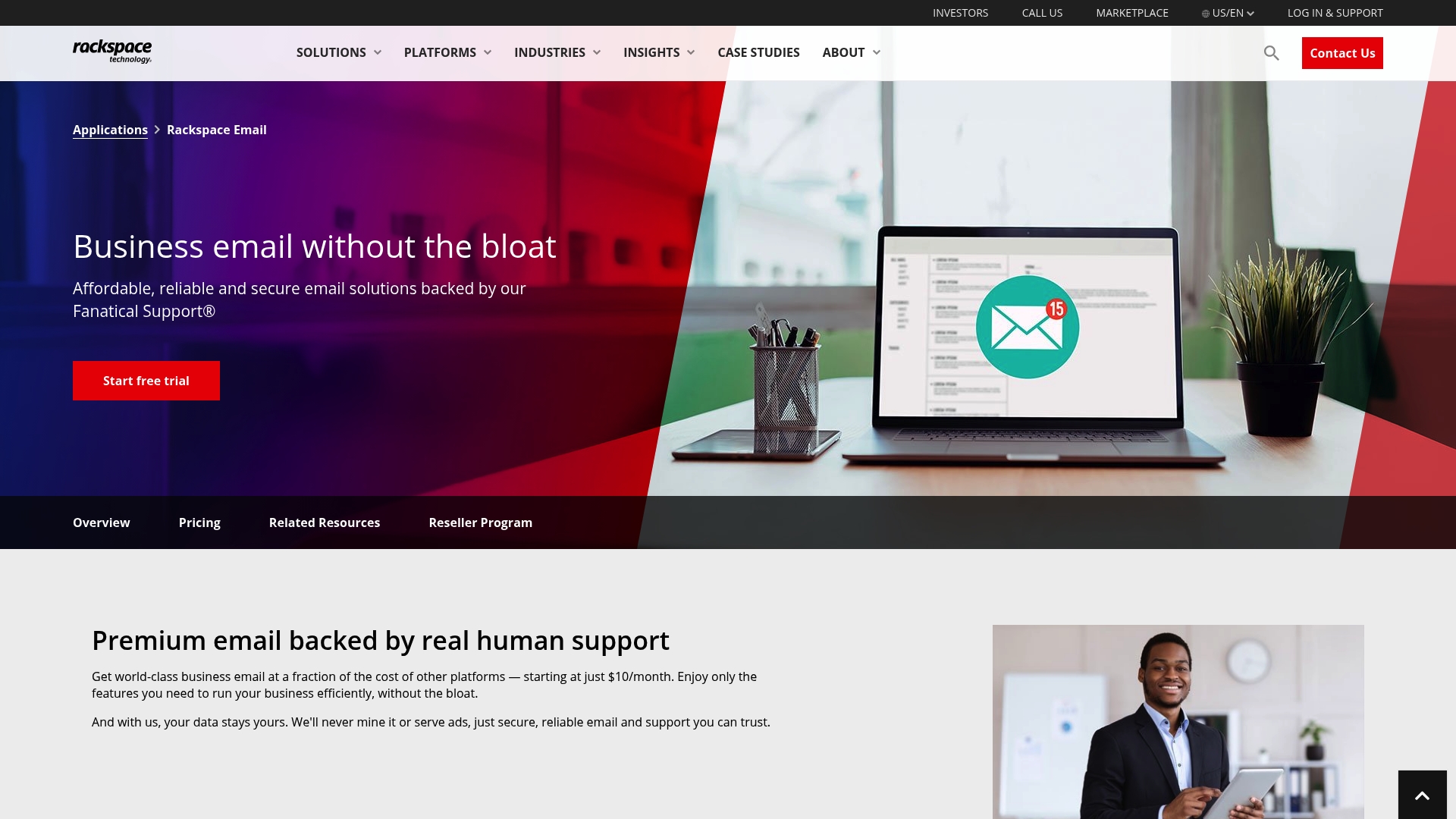
Rackspace Email delivers a straightforward, business class email service backed by 24/7 human support and a focus on privacy and reliability. Its core appeal is predictable performance with 25GB mailboxes and optional 30GB file storage in higher tiers. The platform fits service providers who want a dependable email backbone without heavy collaboration features. For resellers who prize human support and clear pricing this is a practical choice.
Core Features
Rackspace Email provides business class email with large mailbox options and add ons for storage and archiving. The service includes spam and virus protection, migration assistance, and a high uptime guarantee to keep communication flowing. Support covers Outlook and mobile device configuration which reduces ticket handling for your clients. Add ons like Email Plus and Archiving let you layer file storage and retention tools when compliance is required.
You will appreciate the focus on privacy and the absence of forced ecosystem lock in.
Pros
- Reliable, enterprise grade email solution that keeps mail flowing with a high uptime commitment. This reduces downtime risk for your clients and supports SLAs.
- Excellent customer support with human agents available 24/7 to handle escalations that your team can white label or pass through. Human troubleshooting lowers resolution time for complex issues.
- Flexible plans including add ons and archiving which let you design tiered offerings for different client needs. You can upsell storage and compliance features without changing the core service.
- No long term contracts and free 14 day trial which makes it easy to test with new customers or pilot migrations before committing. This helps you close deals faster.
- Data privacy and security emphasized across the platform which helps when you sell to regulated industries that demand clear controls.
Cons
- Basic plan may lack certain advanced collaboration features so clients expecting deep team tools will need third party apps.
- Additional costs for premium add ons or archiving which increases total cost of ownership when compliance is required.
- No self service portal for user management so routine account changes may require support interaction or backend access from your team.
Who It’s For
Rackspace Email suits resellers and IT agencies that need a stable, secure email core for business clients who do not require extensive collaboration suites. Sell this to legal teams, small to medium sized enterprises, and organizations that prioritize uptime and support over bundled office apps. If you need a white label, managed email product that minimizes infrastructure headaches this fits well.
Unique Value Proposition
Rackspace Email pairs a simple, dependable email engine with round the clock human support and compliance add ons. That combination reduces your operational load while giving clients the assurance of privacy and quick access to experts when problems arise.
Real World Use Case
A growing law firm migrates to Rackspace Email to consolidate mailboxes, add archived retention for client records, and rely on 24/7 support during discovery periods. Your agency manages the migration and sells archived retention as a compliance add on.
Pricing
Pricing starts at $10 per month per mailbox for the Standard mailbox and increases when you add Email Plus or Archiving options. A free 14 day trial is available.
Website: https://rackspace.com/applications/rackspace-email
Open-Xchange
At a Glance
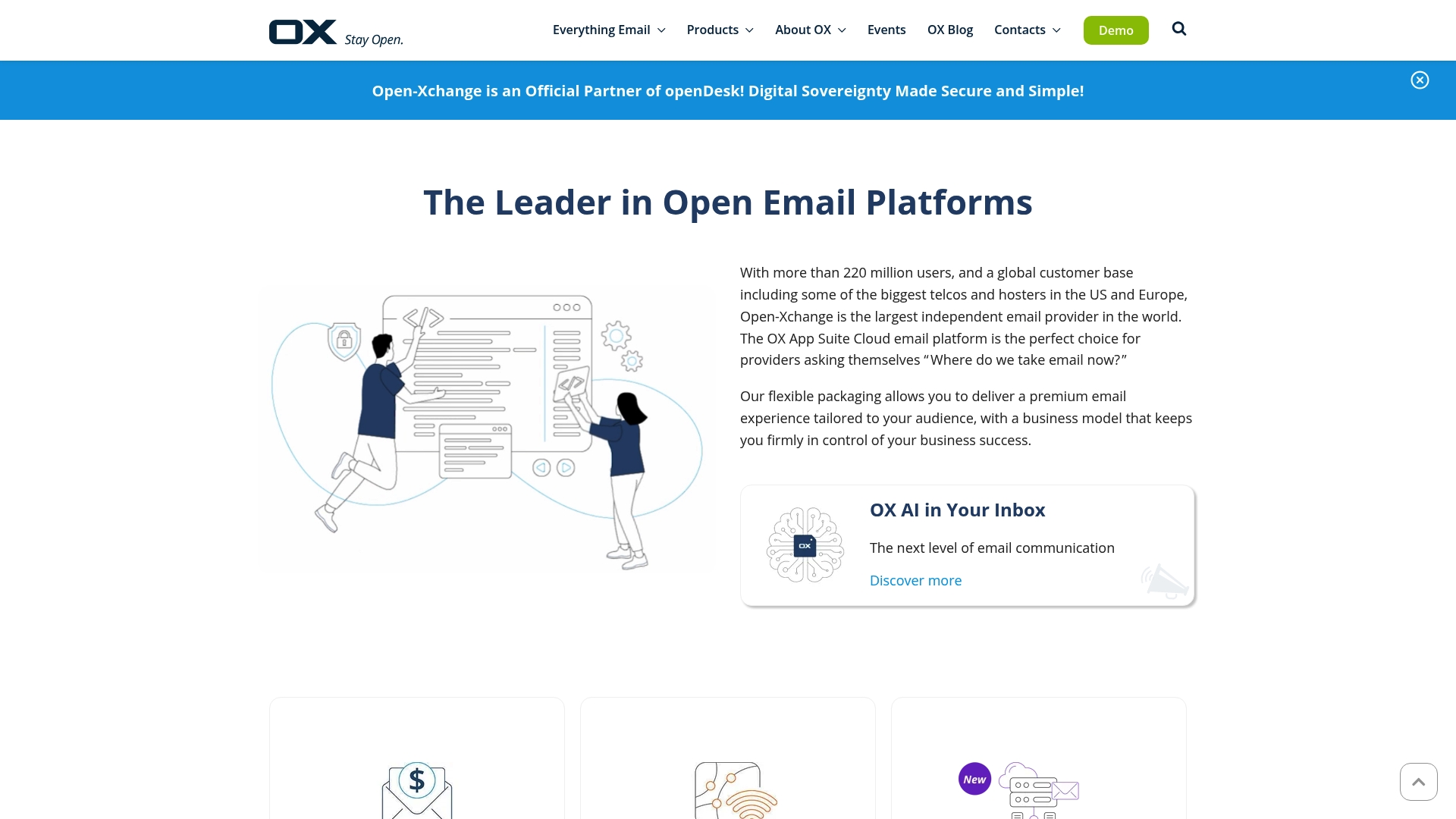
Open-Xchange is the largest independent email provider offering scalable email platforms for providers, enterprises, and public sector organizations. Its flagship OX App Suite Cloud pairs traditional email services with productivity tools and AI enhancements. The platform appeals to organizations that need open source driven flexibility and global operational scale. Bottom line: strong for large hosted deployments, less focused on small business simplicity.
Core Features
Open-Xchange combines Cloud Email Solution and On Prem Email Solution options with integrated DNS Solutions and an Email Server backend. The offering includes OX AI in Your Inbox to add AI powered email communication features. Deployment choices let providers run services in their own infrastructure or consume a managed cloud option. The set of features targets providers who need end to end control over mail, DNS, and security.
Pros
- Massive user footprint: Open-Xchange serves over 220 million users which demonstrates operational maturity and scale.
- Flexible packaging: The platform offers packaging choices that adapt to provider, enterprise, and public sector needs.
- Reputable partner base: Longstanding partnerships with major telcos and hosters strengthen trust for large scale rollouts.
- Comprehensive stack: The combined email, DNS, and security offerings reduce the need to integrate multiple vendors.
- AI enabled features: Built in AI capabilities improve message handling and enhance end user productivity.
Cons
- Sparse integration details: Publicly available materials provide limited specifics about third party integrations and API capabilities which complicates technical planning.
- No transparent pricing: The website does not list pricing so cost forecasting requires direct vendor engagement.
- Complex for small teams: The platform is designed for providers and large organizations which can make onboarding and operations heavier for small business customers.
Who It’s For
Open-Xchange is best for Email Service Providers, Telcos, Hosting Companies, and large Enterprises that want branded or white labeled email offerings. If you run a reseller service or operate multi tenant hosting, you will value the deployment flexibility and open source oriented architecture. If you are a small agency seeking turnkey simplicity, this may feel like overkill.
Unique Value Proposition
Open-Xchange stands out through its combination of scale, open source orientation, and integrated AI features. The company positions itself as a vendor that lets providers retain control while offloading large scale infrastructure management. That mix appeals to partners who need platform depth without vendor lock in.
Real World Use Case
Major Telcos and Hosting Providers use Open-Xchange to launch hosted email services under their own brands and to provide secure email to millions of subscribers. Operators leverage the DNS features and email backend to manage deliverability and security at scale. The result is a white labeled service with enterprise grade controls.
Pricing
Pricing is not specified on the website and requires contacting Open-Xchange for quotes and licensing details. Expect custom offers based on deployment model and user volumes.
Website: https://open-xchange.com
Zimbra
At a Glance
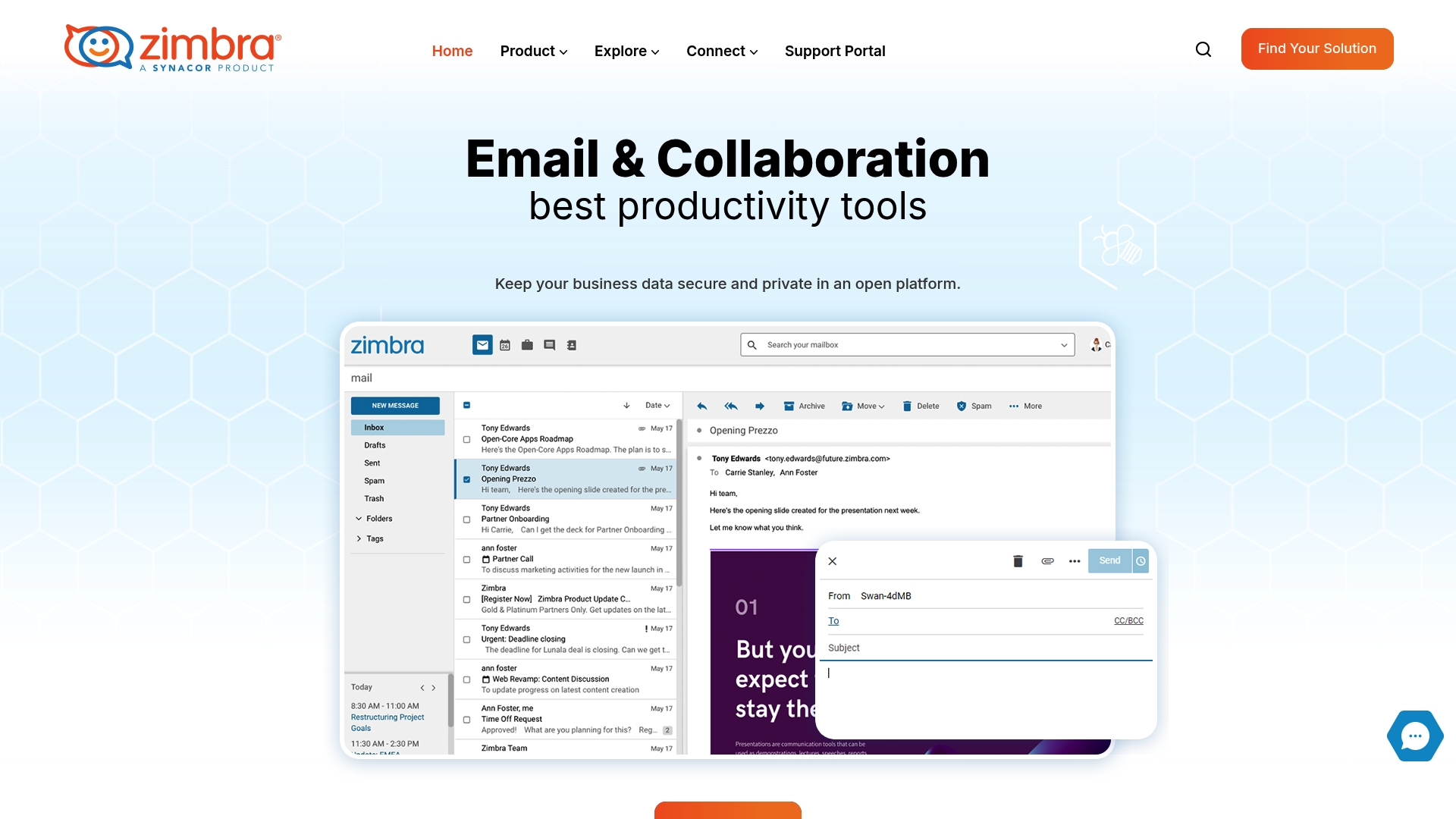
Zimbra is an open standards based email and collaboration platform built for organizations that need control over data and deployment. It combines email, calendar, contacts, tasks, and document sharing in a single suite while supporting both cloud and on premises installation. The platform emphasizes data sovereignty and strong security features which suits regulated industries and privacy focused resellers. Quick takeaway. Zimbra fits teams that can invest in technical setup to gain long term control.
- Bottom line: Control and security first. Usability second.
Core Features
Zimbra delivers a full collaboration stack with native support for email, calendar, contacts, and document sharing. The platform follows open standards which allows integration with desktop clients such as Outlook, Apple Mail, and Thunderbird. Zimbra supports flexible deployment options with cloud hosting or on premises installs and includes advanced security tools like native 2FA and a Web Application Firewall.
- Core functions: collaboration suite, open standards, flexible deployment, advanced security.
Pros
-
Open standards for compatibility. The platform uses broadly supported protocols which makes integration with existing systems and desktop clients straightforward.
-
Data sovereignty and deployment control. You can host on premises or choose a cloud model which gives you control over where data lives and how it is managed.
-
Strong security features. Native two factor authentication and firewall protections add layers of defense for sensitive environments.
-
Customizable and scalable. Administrators can extend functionality as business needs grow which helps resellers tailor offerings for clients.
-
Proven in diverse industries. A history of adoption across sectors supports credibility for enterprise and regulated customers.
Cons
-
Requires technical expertise for deployment and management. The platform needs skilled IT staff to install, configure, and maintain especially for on premises setups.
-
Feature richness can overwhelm new users. The extensive toolset can create a steeper learning curve for administrators and end users.
-
Pricing information is not published. You must contact Zimbra for pricing which adds friction when comparing options.
Who It’s For
Zimbra targets mid sized to large organizations, IT administrators, and agencies that prioritize control over data and compliance. Resellers and hosting providers that want a white label capable platform will value the open standards and deployment flexibility. If you operate in healthcare, finance, or government and need strict data location controls this is worth evaluating.
- Ideal profile: IT teams that can manage infrastructure and clients that need compliance grade controls.
Unique Value Proposition
Zimbra offers control first deployment with enterprise grade collaboration features built on open standards. Its ability to run on premises or in the cloud gives partners a flexible product to sell under their own services while protecting client data. In short. Control, standards, and security packaged for resellers.
- Distinction: open standards plus deployment control.
Real World Use Case
A healthcare provider implements Zimbra to consolidate internal email and document sharing while keeping all data inside the organization. IT configures on premises servers and enforces native 2FA and firewall rules to meet regulatory requirements. The result is a unified collaboration environment that preserves data sovereignty and supports audit needs.
- Example outcome: secure internal communication and compliance support.
Pricing
Pricing details are not published on the website. Potential customers must contact Zimbra for tailored quotes based on deployment type and user volume.
- Action: Request a quote from sales for accurate pricing.
Website: https://zimbra.com
IceWarp
At a Glance
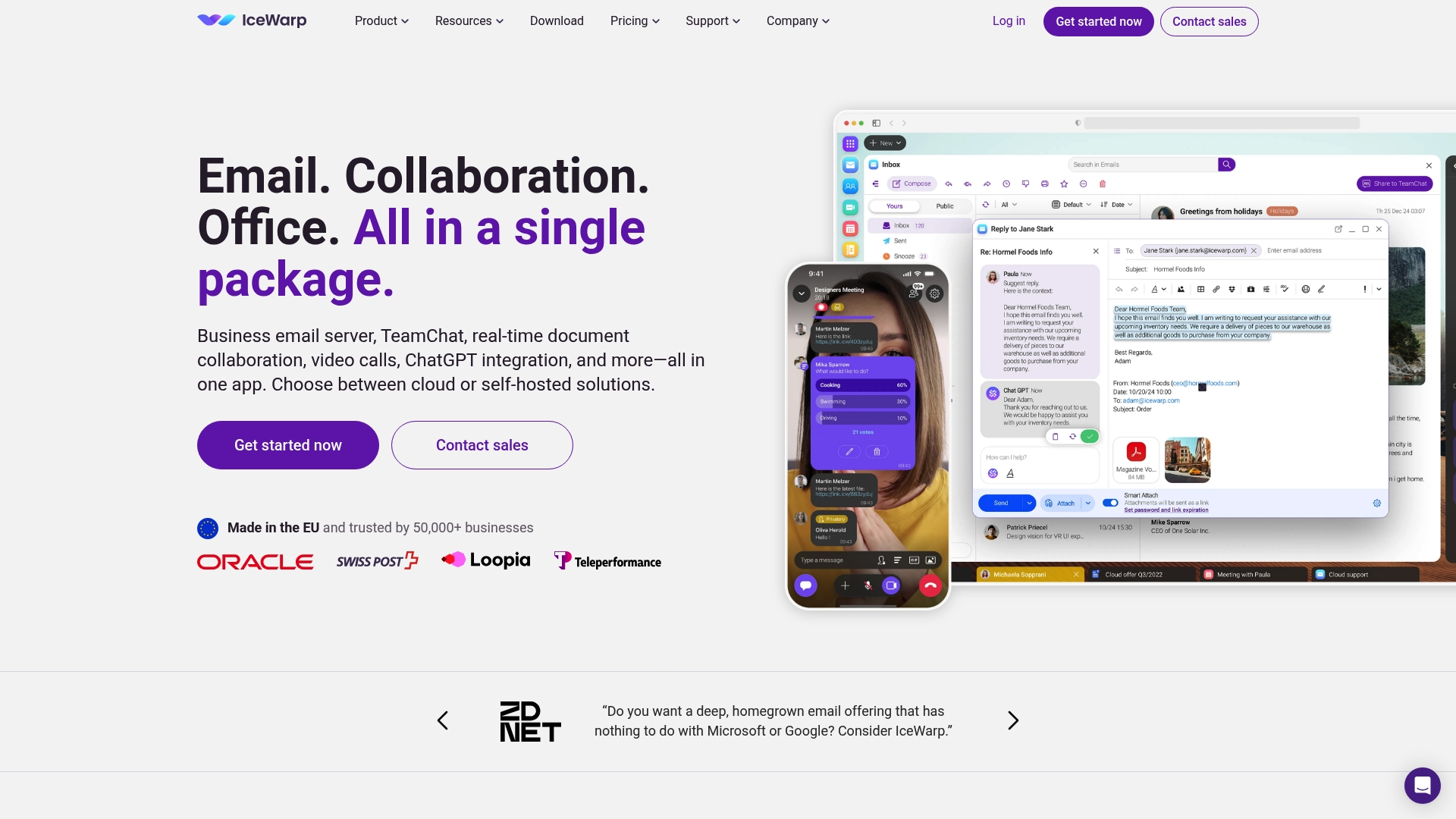
IceWarp is an integrated collaboration platform that packs email, messaging, conferencing, file sharing, and real time document editing into a single interface. It offers both cloud and self hosted deployment, making it attractive for organizations with strict data control requirements. The platform emphasizes security with built in antispam and antivirus and supports AI powered productivity tools like ChatGPT integration. Setup for self hosted environments can be complex and pricing for large deployments is not always transparent.
Core Features
IceWarp combines a full email client with custom domains and TeamChat for real time collaboration alongside video and audio conferencing that includes a webinar mode. It provides online document editing and co authoring for docs spreadsheets and presentations and supports cross platform access via web desktop and mobile apps. The product also lists AI powered productivity tools and security features such as built in antispam and antivirus for compliance conscious teams.
Pros
- All in one collaboration platform reduces the need to manage multiple vendors because email messaging conferencing and file collaboration live in one interface.
- Flexible deployment options let you choose cloud or self hosted hosting when data residency or compliance matters to your clients.
- Trusted at scale with adoption by over 50,000 businesses which indicates maturity and enterprise level feature depth.
- Comprehensive security features include built in antispam and antivirus which helps protect mail flow and reduce administrative overhead.
Cons
- Complex self hosted setup can increase time to value for IT teams because deployment and maintenance require more hands on work.
- Feature set can overwhelm small teams since the volume of collaboration tools may exceed simple email needs and raise support demands.
- Limited pricing transparency for enterprise offerings makes cost planning difficult when you need predictable margins for reseller or agency models.
Who It’s For
IceWarp fits businesses that need a single platform for email and real time collaboration and have resources to operate or evaluate a self hosted environment. It also suits organizations that want an alternative to larger cloud suites and need stronger control over data and compliance. Agencies or resellers who sell managed solutions to mid sized or larger clients will find the feature depth useful when packaging custom offerings.
Unique Value Proposition
IceWarp stands out by bundling email messaging conferencing file sharing and live document editing into one product while letting customers choose cloud or self hosted deployment. That combination appeals to teams that want fewer vendors plus the option to host critical workloads on their own infrastructure.
Real World Use Case
A multinational company deployed IceWarp in a self hosted configuration to unify email file sharing and communications across global offices while meeting data compliance requirements. The consolidated platform reduced tool fragmentation and centralized security controls for the IT team.
Pricing
Pricing includes a free trial plus tiered subscriptions based on user count and feature sets and custom enterprise plans for large deployments. Specific plan details and enterprise quotes are available on the vendor site.
Website: https://icewarp.com
Comprehensive Email Platform Comparison
This table provides an overview of various email platforms, summarizing their key features, unique propositions, pricing models, and usability to assist with informed decision-making.
| Product | Key Features | Unique Value | Pros | Pricing |
|---|---|---|---|---|
| AtrioMail | Managed infrastructure, white-label branding, robust API | Privacy-focused with operational simplicity for resellers | Branding control, automation, scalable pricing, integrated support | Usage-based, charges per mailbox |
| Zoho Mail | Encryption, Admin Console, collaboration tools | Privacy and compliance with retention tools | Security, branding options, migration support, collaboration features | Free plan with 5GB storage |
| Rackspace Email | Large mailboxes, add-on storage, uptime guarantee | Dependable performance and round-the-clock human support | Reliable service, flexible plans, privacy emphasis | From $10/month per mailbox |
| Open-Xchange | Scalable deployment, AI integrations, DNS solutions | Open-source flexibility and global scalability | Large user base, integrated solutions, AI-enabled features | Contact vendor for pricing |
| Zimbra | Comprehensive collaboration tools, open standards, strong security | Open standards with deployment control for enterprises | Data sovereignty, security focus, compatibility | Custom quotes required |
| IceWarp | Integrated collaboration, real-time tools, AI productivity | Single-platform collaboration with flexible hosting options | All-in-one suite, security features, scalability | Free trial, tiered enterprise plans |
Take Control of Your Managed Email Hosting with AtrioMail
The “Top 6 Managed Email Hosting Solutions 2026 for Businesses” article highlights a common challenge for resellers, hosting providers, and IT agencies: managing branded, secure, and scalable email platforms without the burden of complex infrastructure. Many businesses struggle with limited brand control, costly fixed fees, and reliance on major ecosystems that restrict flexibility. AtrioMail directly addresses these pain points by offering fully managed infrastructure combined with automated DNS validation and a usage-based pricing model. This means less technical overhead and more freedom to create tailored email services that grow with your business needs.
Boldly step ahead with AtrioMail if you want to offer enterprise-grade, white-label email hosting solutions that empower your brand and protect client data privacy. Enjoy seamless API integration for smooth billing workflows and put human support tools at your fingertips to reduce routine tickets. Whether your goal is to increase profitability or enhance client trust through data ownership, AtrioMail simplifies deployment and scales effortlessly.
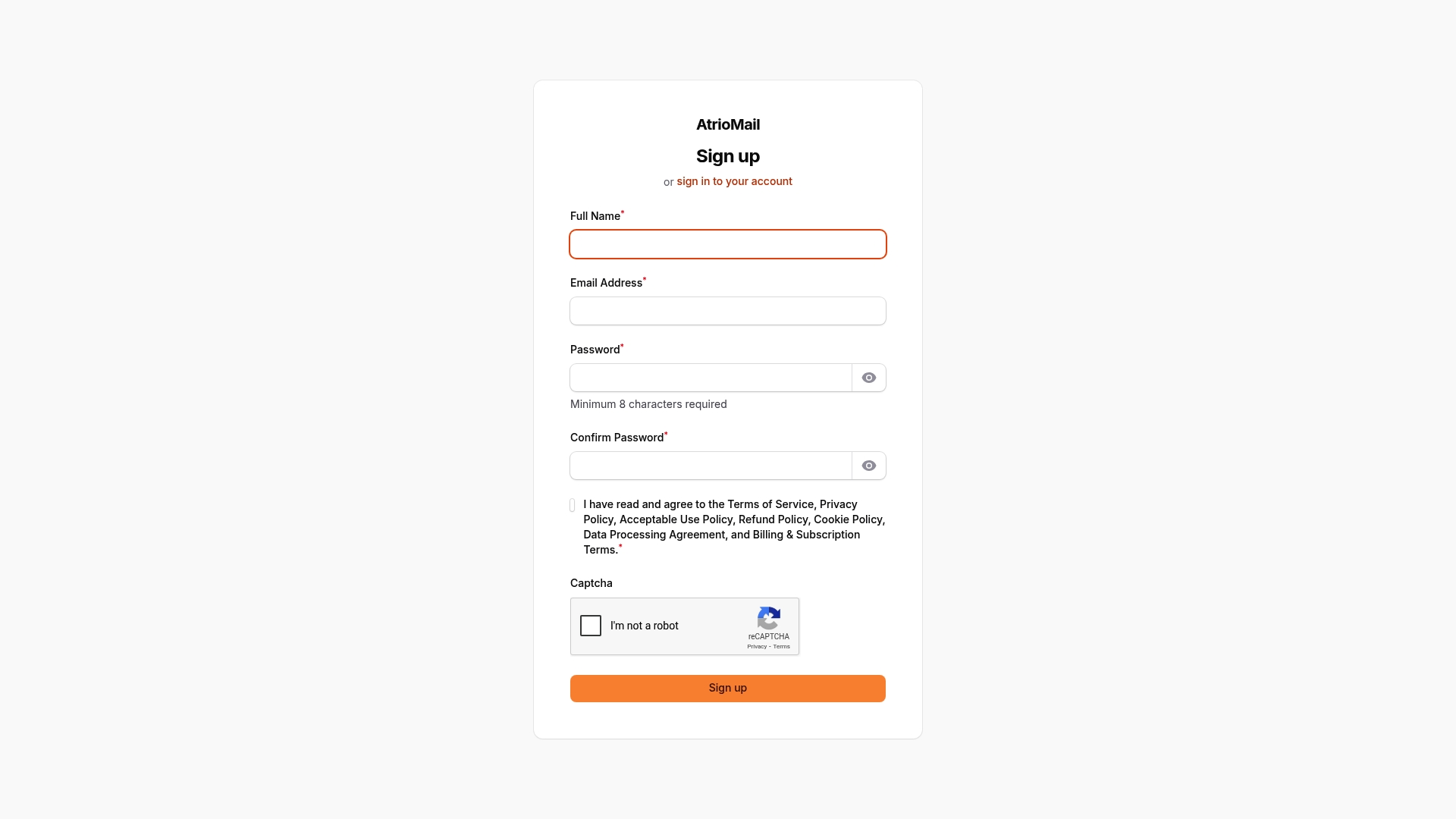
Ready to evolve your email services into a competitive advantage Explore how AtrioMail can transform your offerings today by registering for your account at AtrioMail Registration. Don’t wait another day to upgrade your white-label email platform with the trusted choice for resellers and IT agencies worldwide. Visit AtrioMail now and start scaling your email business the smart way.
Frequently Asked Questions
What are managed email hosting solutions?
Managed email hosting solutions are services that provide email accounts and related functionalities without the need for users to handle server management. These solutions often include features like custom domain email addresses, security protocols, and technical support, making it easier for businesses to focus on their core operations.
How do I choose the right managed email hosting solution for my business?
To choose the right managed email hosting solution, assess your business needs, such as email storage requirements, security features, and support options. Compare the features and pricing of different services to find a solution that aligns with your operational goals and budget.
What features should I look for in a managed email hosting solution?
Look for features that include strong security measures, user-friendly management controls, custom branding options, and excellent customer support. A solution that offers scalability based on your mailbox usage is also beneficial, allowing you to grow without incurring unnecessary costs.
How does a managed email hosting solution improve data security?
A managed email hosting solution typically includes built-in security measures such as encryption, spam filtering, and regular updates to protect your data. By centralizing your email management, you can also ensure compliance with data protection regulations more effectively.
Can a managed email hosting solution support my business growth?
Yes, many managed email hosting solutions offer scalability options that allow you to add more mailboxes and features as your business grows. This flexibility means you can adjust your email services based on your changing needs without disrupting your operations.
What kind of support can I expect from a managed email hosting provider?
Most managed email hosting providers offer 24/7 customer support through various channels, including chat, email, and phone. Look for providers with a solid reputation for responsive support to resolve any issues promptly, which helps minimize downtime and maintain business continuity.