
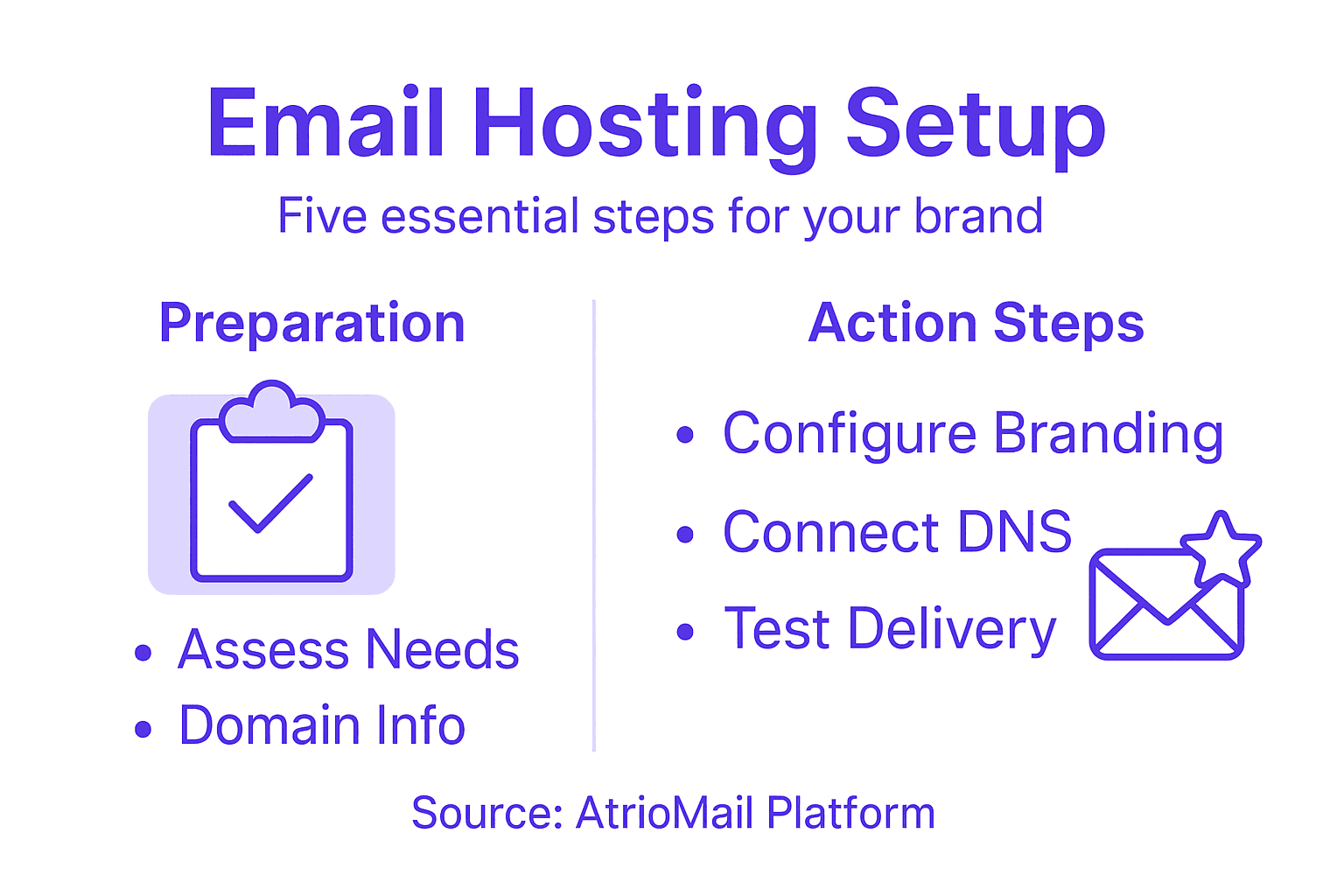
Building a distinctive brand presence while maintaining control over client data can be challenging for IT resellers and managed service providers. Professional email hosting creates powerful opportunities for reinforcing trust and enhancing profitability. With white-label solutions, you can deliver a fully customized experience that aligns with your brand and meets security demands. This guide walks you through the critical steps for implementing a robust, branded email hosting platform designed for continuous growth and client satisfaction worldwide.
Table of Contents
- Step 1: Assess Business Needs and Gather Domain Details
- Step 2: Register with AtrioMail and Configure White Label Branding
- Step 3: Connect and Verify Domains Using Automated DNS Setup
- Step 4: Integrate API and Set Up User Mailboxes
- Step 5: Test Email Delivery, Authentication, and Security Protocols
Quick Summary
| Key Point | Explanation |
|---|---|
| 1. Assess Business Needs First | Understand your organization’s email requirements for an optimized setup that supports growth and functionality. |
| 2. Gather Domain Information Accurately | Compile all domain-related details to ensure a smooth email hosting deployment and alignment with ownership verification. |
| 3. Utilize White Label Branding Effectively | Customize your email environment to reflect your company’s brand identity, enhancing professionalism and consistency in communications. |
| 4. Connect Domains with Automated DNS Setup | Use AtrioMail’s automated DNS process to simplify domain verification and ensure proper email configurations are in place. |
| 5. Conduct Comprehensive Security Testing | Validate email authentication and encryption protocols to guarantee secure and reliable communication across your organization. |
Step 1: Assess Business Needs and Gather Domain Details
Launching a professional email hosting strategy starts with understanding your specific business requirements. This initial phase is about mapping out exactly what your organization needs from its email infrastructure and preparing the foundational domain information necessary for seamless deployment.
Begin by conducting a comprehensive review of your current email communication setup. Professional email solutions demand careful analysis of your organizational size, expected email volume, required security protocols, and integration needs. Consider factors like the number of employees, projected growth, communication patterns, and specific departmental requirements. Are you a small startup needing basic email services or an expanding enterprise requiring complex routing and advanced security features? Determine your total user count, anticipated storage requirements, and any specialized email functionalities like shared calendars, contact synchronization, or multi domain support.
Next, compile your domain information with precision. This includes your registered domain name, current DNS records, and access credentials for domain management. You will need details like your domain registrar, login information for your domain control panel, and verification of domain ownership. Email hosting platforms typically require proof of domain control before establishing email services. Gather documentation that confirms your legal right to use the domain, such as registration certificates or transfer agreements.
Pro Tip: Create a comprehensive spreadsheet documenting all domain and email infrastructure details to streamline your setup process and maintain clear organizational records.
Here is a summary of critical factors to evaluate when setting up a professional email hosting strategy:
| Evaluation Area | Key Considerations | Business Impact |
|---|---|---|
| User Count | Total users, future growth | Ensures scaling is possible |
| Security Needs | Encryption, authentication protocols | Reduces risk of breaches |
| Integration | CRM, productivity tools compatibility | Streamlines workflow |
| Storage | Per-user requirements, archive needs | Prevents capacity issues |
Step 2: Register with AtrioMail and Configure White Label Branding
Now that you have assessed your business needs, it is time to transform your email hosting vision into reality by registering with AtrioMail and establishing your unique brand identity. This step is about creating a professional email ecosystem that reflects your organization’s distinctive character and meets your specific communication requirements.
Start by accessing the AtrioMail platform and initiating your registration process. During signup, you will encounter options to customize your white label branding configurations that allow complete personalization of your email hosting environment. Select the white label package that aligns with your business scale and objectives. This involves uploading your company logo, choosing your preferred color scheme, and defining email templates that match your brand guidelines. Pay close attention to design consistency ensuring that every email touchpoint reinforces your professional image.

Carefully review the configuration settings to confirm that all branding elements are correctly implemented. This includes verifying domain alignment, checking email template designs, and ensuring that all client facing interfaces display your organizational identity seamlessly. The goal is to create a unified communication experience that feels entirely native to your brand while leveraging AtrioMail’s robust backend infrastructure.
Pro Tip: Conduct a thorough visual audit of your white label configuration by sending test emails to multiple accounts and reviewing them from different devices to guarantee perfect brand representation.
Step 3: Connect and Verify Domains Using Automated DNS Setup
With your white label branding in place, the next critical phase involves seamlessly connecting and verifying your domains through AtrioMail’s automated DNS configuration process. This step transforms your domain from a simple web address into a fully functional email communication platform.
Begin by navigating to the domain connection section within the AtrioMail platform. Automated DNS validation simplifies the complex process of establishing email infrastructure by automatically generating and configuring essential DNS records. You will need to provide your domain credentials and authorize AtrioMail to create necessary MX, SPF, DKIM, and DMARC records. The system will guide you through each verification step, checking record propagation and ensuring proper authentication protocols are correctly implemented.
Carefully review each automatically generated DNS configuration to confirm accuracy and alignment with your specific email hosting requirements. Pay special attention to verification tokens and authentication methods that validate your domain ownership. The automated system will perform comprehensive checks to ensure your domain is ready for email communication, minimizing potential delivery issues and maximizing email reliability across different email clients and service providers.
Pro Tip: Keep your domain registrar login credentials readily available and ensure your account has the necessary permissions to modify DNS settings during the automated configuration process.
The following table highlights essential DNS records and their purposes during domain verification:
| DNS Record | Role in Email Hosting | Impact on Security |
|---|---|---|
| MX | Directs email flow | Ensures message delivery |
| SPF | Validates sender IPs | Reduces spoofing risk |
| DKIM | Signs outgoing mail | Prevents message tampering |
| DMARC | Monitors policies | Protects sender reputation |
Step 4: Integrate API and Set Up User Mailboxes
With your domain verified and configured, you are now ready to leverage AtrioMail’s powerful API capabilities to create and manage user mailboxes efficiently. This step transforms your email infrastructure from a basic setup to a fully automated, scalable communication system.
Access the AtrioMail API documentation and begin by generating your unique API credentials. REST API integration enables you to programmatically create user mailboxes, configure access permissions, and synchronize email accounts across your organization. Utilize the API endpoints to bulk create user accounts, set individual mailbox storage limits, and define specific access controls. This approach allows for seamless onboarding of new team members and provides granular management of email resources without manual intervention.
Carefully test your API integrations by creating a few sample mailboxes and verifying their functionality. Ensure that authentication tokens are securely stored and that your API calls follow best practices for data protection. Pay close attention to rate limits, error handling, and webhook configurations that will enable real time updates and synchronization across your email infrastructure.
Pro Tip: Implement robust logging and monitoring for your API integration to quickly identify and troubleshoot any potential connection or mailbox creation issues.
Step 5: Test Email Delivery, Authentication, and Security Protocols
After setting up your email infrastructure, comprehensive testing becomes crucial to ensure reliable and secure communication across your organization. This critical phase validates the technical foundations of your email hosting platform and confirms that all security mechanisms function precisely as intended.
Begin by conducting systematic email authentication protocol tests to verify SPF, DKIM, and DMARC configurations. Use specialized diagnostic tools to simulate email transmission scenarios and evaluate how your authentication records perform under different conditions. Check that your sender reputation remains intact by sending test emails through various global email providers, monitoring delivery rates, and identifying potential issues with spam filtering or authentication challenges. Verify that your DNS records correctly route emails and that sender policies prevent potential email spoofing attempts.
Proceed with thorough security protocol validation by testing encryption methods, checking SSL certificate implementations, and running comprehensive vulnerability assessments. Simulate scenarios that might compromise email integrity, such as intercepting communication channels or attempting unauthorized access. Pay special attention to TLS encryption, validate SMTP connection security, and ensure that all authentication mechanisms provide robust protection against potential cyber threats.
Pro Tip: Create a standardized testing checklist that includes authentication, encryption, and delivery tests to systematically validate your email hosting security protocols.
Elevate Your Brand with Seamless Email Hosting Solutions
Setting up email hosting for your own brand can seem overwhelming with tasks like domain verification, DNS configurations, and user mailbox management. You want control over your brand identity while ensuring secure and reliable email delivery without the headache of managing complex infrastructure. AtrioMail understands these challenges and offers a fully managed platform designed specifically for businesses, resellers, and IT agencies aiming to launch a white-label email hosting service with ease.
Our platform automates critical processes such as automated DNS validation for MX, SPF, DKIM, and DMARC records, giving you confidence in email authentication and security. Plus, with our white-label branding options, you maintain complete brand ownership and deliver a professional, customized experience to your clients. The scalable, usage-based pricing and powerful API integration simplify managing user mailboxes and scaling your email hosting as your business grows.
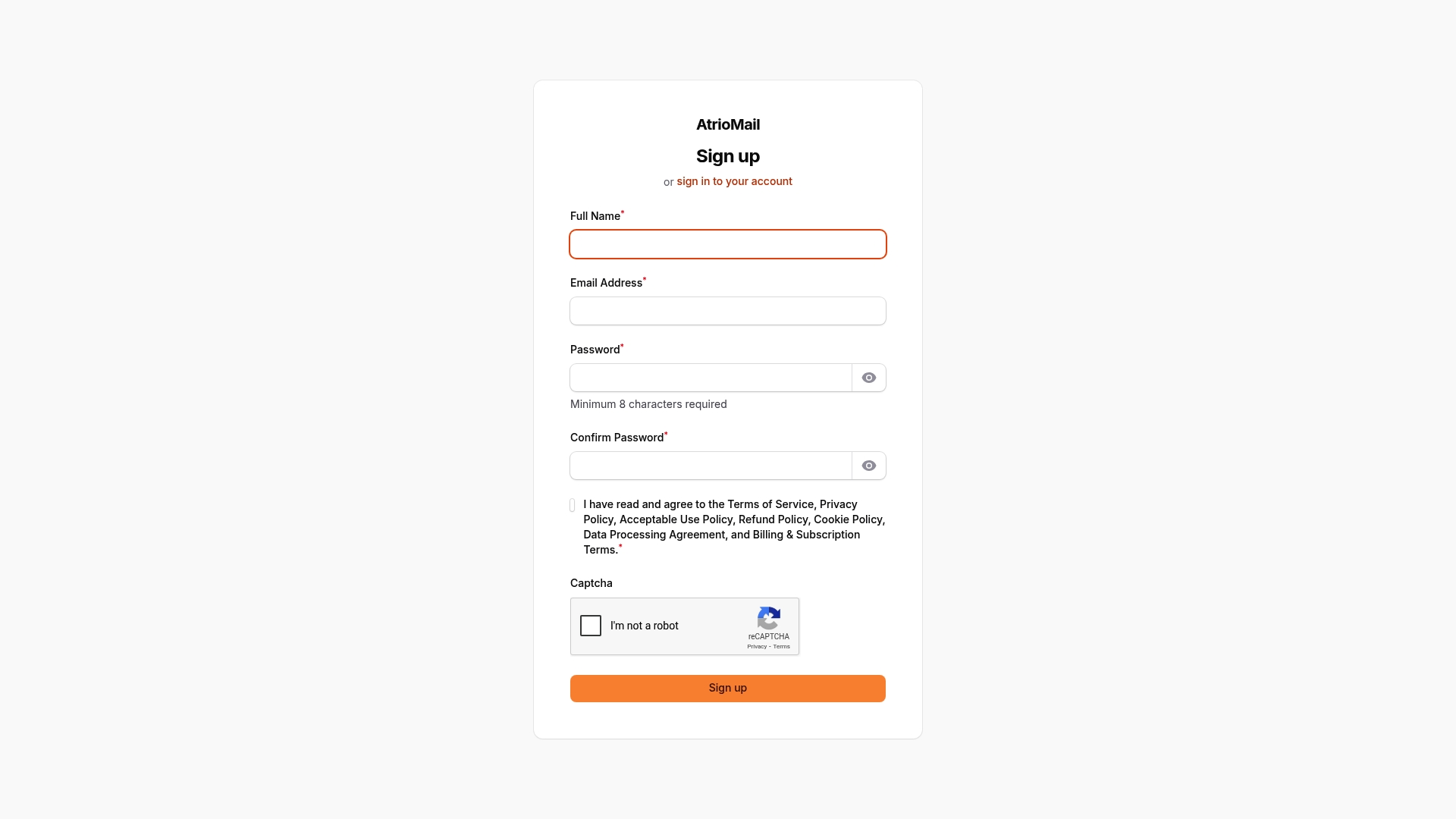
Ready to transform your email hosting vision into a scalable reality? Start your journey with AtrioMail today and experience how easy it is to automate domain setup, enforce robust security protocols, and fully control your branded email platform. Take the next step by registering now at AtrioMail Registration and empower your brand with enterprise-grade email hosting tailored for your success.
Frequently Asked Questions
How do I assess my business needs for email hosting?
Start by conducting a thorough review of your current email setup, including factors like the number of employees, expected email volume, and any required security features. This will help you determine the necessary functionalities and ensure that your email hosting solution can scale with your business.
What information do I need to register my domain for email hosting?
You will need your registered domain name, current DNS records, and access credentials for your domain management. Compile all relevant documentation, including registration certificates, to verify your legal right to use the domain.
How can I set up white label branding for my email hosting?
During the registration process with your email hosting service, select a white label package that suits your brand. Customize your email environment by uploading your logo, choosing colors, and defining email templates that reflect your company’s identity.
What is automated DNS setup and how do I use it?
Automated DNS setup allows your email hosting service to generate and configure necessary DNS records automatically, simplifying the process. To use it, navigate to the domain connection section within your email hosting platform and provide your domain credentials.
How do I create and manage user mailboxes through the API?
To manage user mailboxes, access the API documentation of your email hosting service and generate your unique API credentials. Use the API to bulk create user accounts, set storage limits, and define access controls for your organization.
What steps should I take to test email delivery and security protocols?
Conduct systematic tests of your email authentication protocols, such as SPF, DKIM, and DMARC, and validate security measures like encryption. Create a checklist that includes these tests to ensure your email infrastructure works effectively and securely.