
Every IT agency owner knows the pressure to deliver a professional, branded email system while avoiding the headache of complex infrastructure. Building a seamless client email experience starts with gathering the right assets and making sure every detail is on-point. From securing a unique domain with ICANN-accredited registrars to compiling your brand visual assets, each move helps create a recognizable, trustworthy presence for clients. This guide walks you through the essential steps for launching powerful white-label email solutions that support your agency’s growth.
Table of Contents
- Step 1: Gather Domain And Branding Assets
- Step 2: Configure Domain Settings And DNS Records
- Step 3: Set Up White-Label Branding Features
- Step 4: Integrate API For Automated Management
- Step 5: Verify Email Delivery And Branding
Quick Summary
| Key Takeaway | Explanation |
|---|---|
| 1. Secure a memorable domain name | Choose a domain that reflects your agency’s brand and ensures it is professional and easy to remember for clients. |
| 2. Configure essential DNS records | Set up MX, SPF, DKIM, and DMARC records to protect your agency’s email and improve deliverability, ensuring messages reach clients reliably. |
| 3. Implement white-label branding | Customize email interfaces with your agency’s logo and colors to create a unified brand experience, enhancing client trust and recognition. |
| 4. Integrate APIs for efficiency | Use API integration to automate email management tasks, allowing for bulk sending and improved organization, thus streamlining communication processes. |
| 5. Conduct thorough email verification | Regularly test email functionality and branding to ensure proper operation, protecting your agency’s reputation and professional communications. |
Step 1: Gather domain and branding assets
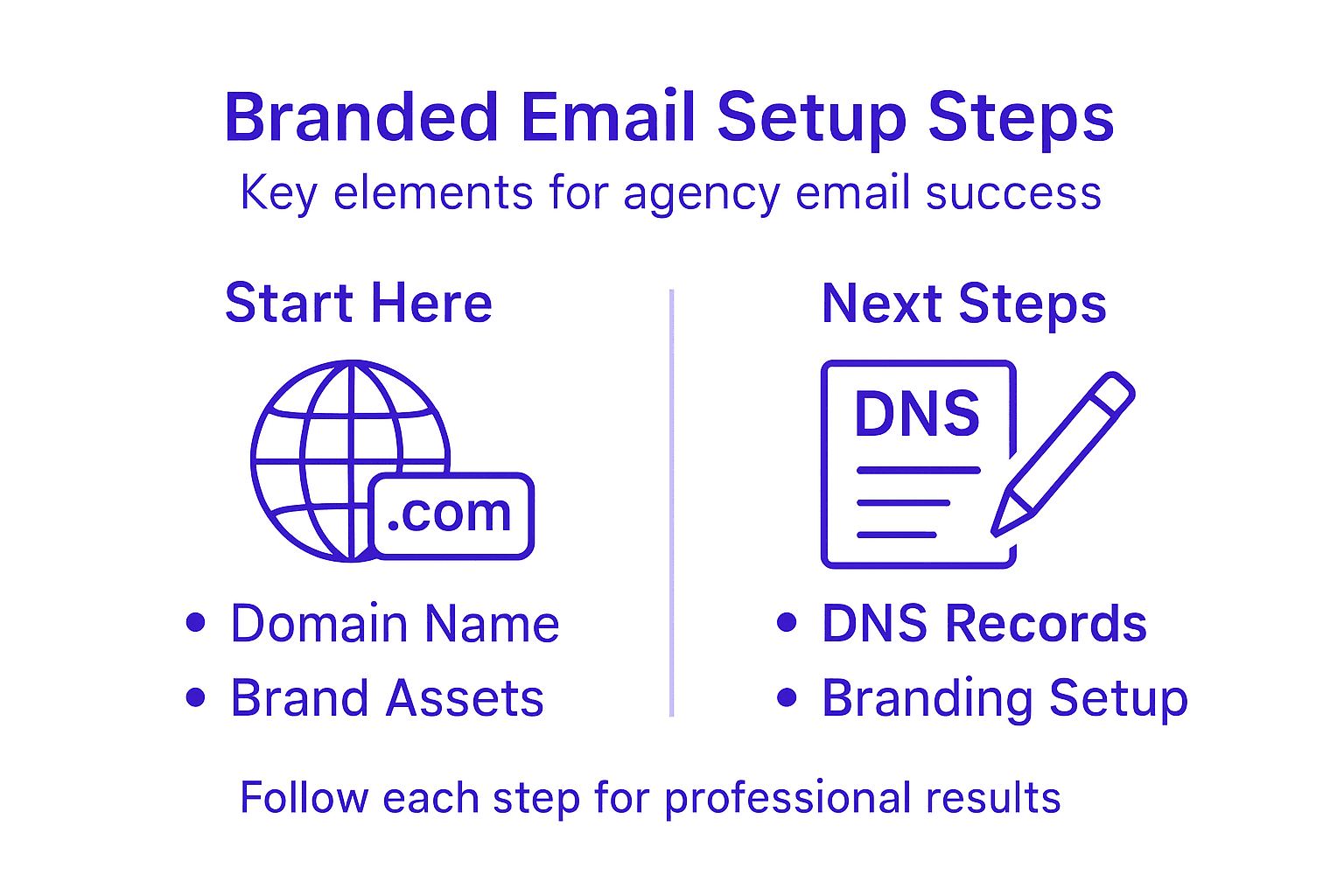
Setting up a branded email requires collecting critical digital assets that will form the foundation of your agency’s professional communication strategy. Your goal in this initial phase is to compile all necessary design elements and domain information that will create a cohesive and recognizable brand identity.
Start by identifying your primary domain name – this is the core of your digital presence. When registering your domain, choose a name that is memorable, professional, and closely aligned with your agency’s brand. Aim for a domain that reflects your business name or core service offerings. You’ll want to consider variations and potential alternatives to ensure you secure the most suitable web address.
Alongside your domain, gather your comprehensive brand visual assets, which include:
- High-resolution company logo in multiple file formats (PNG, SVG, JPEG)
- Color palette with exact hex or RGB color codes
- Typography specifications including primary and secondary fonts
- Brand guidelines document detailing visual usage rules
These critical branding elements will ensure your email communications maintain a professional and consistent appearance across all client interactions. Professional agencies understand that every touchpoint represents an opportunity to reinforce brand perception.
Pro tip: Create a centralized digital brand asset folder that all team members can access, ensuring consistent branding across all communication channels.
Step 2: Configure domain settings and DNS records
Configuring your domain settings and DNS records is a critical step in establishing a secure and professional branded email system. This process ensures that your emails are authenticated, delivered reliably, and protect your agency’s digital reputation.
To properly set up your domain, you’ll need to configure essential DNS records that verify your email’s legitimacy and improve deliverability. These records act like digital passports for your emails, helping email servers recognize and trust your communications.
The key DNS records you’ll need to configure include:
- MX (Mail Exchanger) records: Direct incoming emails to the correct mail server
- SPF (Sender Policy Framework) records: Specify which servers are authorized to send emails on your behalf
- DKIM (DomainKeys Identified Mail) records: Add a digital signature to verify email authenticity
- DMARC (Domain-based Message Authentication, Reporting, and Conformance) records: Provide instructions for handling emails that fail authentication
According to NIST security guidelines, proper DNS configuration is essential for maintaining email security and integrity. Each record plays a crucial role in preventing email spoofing and ensuring your messages reach their intended recipients.
Here’s a summary of essential DNS records and their impacts:
| DNS Record Type | Main Purpose | Impact on Email | Security Benefit |
|---|---|---|---|
| MX | Routes incoming mail | Ensures delivery | No direct security effect |
| SPF | Validates sender servers | Reduces spam risk | Blocks fraudulent senders |
| DKIM | Verifies message content | Builds sender trust | Detects tampering |
| DMARC | Sets authentication rules | Controls failure action | Stops spoofing attempts |
Precise DNS configuration can dramatically improve email deliverability and protect your agency’s digital reputation.
Pro tip: Use DNS management tools that offer automatic configuration and validation to streamline the process and minimize potential configuration errors.
Step 3: Set up white-label branding features
White-label branding transforms your email platform from a generic service into a powerful extension of your agency’s professional identity. This crucial step allows you to create a seamless, branded experience that makes your email communications look and feel entirely homegrown.

To implement comprehensive white-label branding, you’ll need to customize multiple visual and functional elements across your email infrastructure. This process goes beyond simple logo placement – it’s about creating a unified brand experience that reinforces your agency’s unique identity.
Key white-label branding features to configure include:
- Custom domain email addresses: Replace generic provider domains with your agency’s domain
- Logo integration: Add your agency’s logo to email headers, footers, and login screens
- Color scheme customization: Apply your brand’s specific color palette to all email interfaces
- Personalized login pages: Design login screens that match your agency’s visual identity
- Branded support portals: Create help and support interfaces that reflect your brand
According to brand identity guidelines, consistent application of your visual elements is critical. Every touchpoint should communicate your agency’s professionalism and unique value proposition.
This table outlines common white-label branding customizations and their business value:
| Customization Option | Client Impression | Business Advantage |
|---|---|---|
| Custom domain addresses | Increased credibility | Stronger client trust |
| Logo on user interfaces | Distinct brand presence | Elevated brand recognition |
| Brand color integration | Consistent look & feel | Unified visual identity |
| Branded support portals | Professional experience | Improved support satisfaction |
White-label branding isn’t just about appearance – it’s about creating a cohesive, trustworthy brand experience that resonates with your clients.
Pro tip: Create a comprehensive brand style guide that details exact specifications for your white-label email branding to ensure consistent implementation across all platforms.
Step 4: Integrate API for automated management
API integration transforms your email infrastructure from a manual process into a powerful, automated system that streamlines your agency’s communication workflows. By connecting your email platform through robust programming interfaces, you’ll unlock unprecedented efficiency and scalability.
To implement automated email management, you’ll need to focus on several key integration strategies. These APIs enable complex operations like bulk email sending, automated client communications, and systematic workflow orchestration that would be impossible through manual methods.
Critical API integration capabilities include:
- Bulk email dispatching: Send hundreds of emails simultaneously
- Automated client segmentation: Route communications based on predefined rules
- Dynamic content insertion: Personalize emails with client-specific information
- Scheduled email campaigns: Plan and execute communications in advance
- Detailed delivery and engagement tracking: Monitor email performance metrics
According to advanced email automation research, successful API integration requires understanding both technical requirements and strategic communication objectives. Programmatic email management allows agencies to create sophisticated, responsive communication systems that adapt to changing client needs.
Effective API integration turns your email platform from a simple communication tool into a strategic business asset.
Pro tip: Start with a staged API integration approach, beginning with basic functionalities and progressively adding more complex automation to minimize potential implementation challenges.
Step 5: Verify email delivery and branding
The final step in setting up your branded email system is verifying email delivery and ensuring your brand’s visual identity is correctly represented across all communication channels. This critical phase confirms that your meticulously configured email infrastructure performs exactly as intended.
To validate domain email authenticity, you’ll need to systematically test multiple aspects of your email system. This verification process protects your agency’s reputation and ensures professional, reliable communication with clients.
Key verification steps include:
- Sender authentication tests: Confirm SPF, DKIM, and DMARC records are correctly implemented
- Deliverability checks: Test email routing through multiple major email providers
- Brand logo verification: Ensure brand logos display correctly in recipient inboxes
- Rendering tests: Validate email design across different devices and email clients
- Performance monitoring: Track email send rates and engagement metrics
Each verification test provides insights into your email system’s functionality and helps identify potential configuration issues before they impact client communications.
Comprehensive email verification transforms technical setup into a reliable, professional communication platform.
Pro tip: Create a standardized verification checklist that you can repeat quarterly to maintain optimal email system performance and brand representation.
Simplify Your Agency’s Branded Email Setup with AtrioMail
Setting up a branded email system can be complex and time-consuming. From configuring crucial DNS records like SPF and DKIM to implementing seamless white-label branding and API integration, the challenges agency professionals face often slow down growth and impact client trust. If your goal is to maintain full brand control while avoiding the headaches of managing infrastructure and manual setups, AtrioMail provides the perfect solution. Our platform automates DNS validation, supports scalable usage-based pricing, and offers powerful white-label features to give your agency a professional edge without sacrificing efficiency.
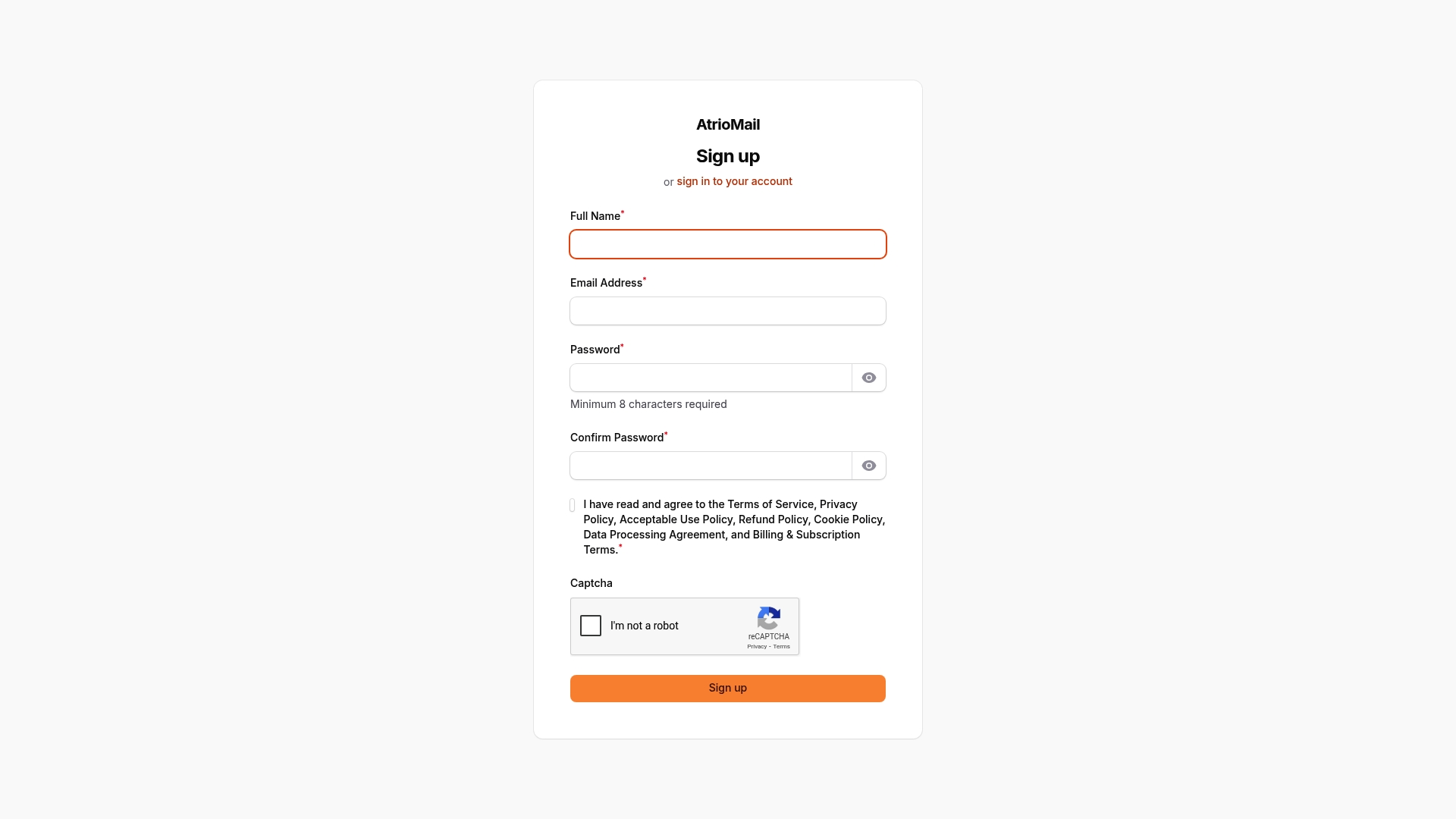
Ready to transform how your agency delivers branded email services? Explore how simple it is to launch fully managed, customizable email platforms under your own brand at AtrioMail registration. Don’t let complicated setups hold you back—start scaling with confidence today. Learn more about our white-label branding and API integration features to elevate your agency’s client communications.
Frequently Asked Questions
How do I gather the necessary domain and branding assets for my agency’s email setup?
To set up your branded email, start by identifying and registering a memorable domain name that aligns with your agency’s brand. Next, gather essential brand assets like your logo, color palette, typography specifications, and brand guidelines to ensure consistent branding in your communications.
What are the essential DNS records needed for email configuration?
To properly configure your email system, ensure you set up key DNS records including MX records for routing incoming emails, SPF records to validate sender servers, DKIM records for message authenticity, and DMARC records to manage authentication failures. Configure these records to enhance email deliverability and protect your agency’s reputation.
How can I implement white-label branding for my email communications?
You can create a white-label branding experience by customizing features like your email address domain, integrating your logo, applying your color scheme, and branding support portals. These customizations help reinforce your agency’s identity and professionalism in every client interaction.
What steps should I take to automate email management for my agency?
To automate email management, focus on integrating APIs that enable bulk email sending, automated client segmentation, dynamic content insertion, and scheduled email campaigns. Start with basic functionalities and gradually add more complex features to streamline your communication processes.
How can I verify the delivery and branding of my agency’s emails?
To verify email delivery, perform sender authentication tests, deliverability checks, logo verification, rendering tests on various devices, and monitor performance metrics. Create a standardized checklist for these tests to ensure your email system is functioning correctly and representing your brand effectively.