
Managing multiple client domains can quickly become overwhelming without the right tools in place. As client expectations rise, IT professionals and resellers must ensure their email systems offer both robust security and flexible branding options. This guide highlights how comprehensive domain management platforms, automated validation, and powerful authentication features like SPF, DKIM, and DMARC support secure, scalable email environments that protect your reputation and help your business grow.
Table of Contents
- Step 1: Prepare Domain Environment And Choose Platform
- Step 2: Configure DNS Records For MX, SPF, DKIM, And DMARC
- Step 3: Automate Domain Validation And Service Provisioning
- Step 4: Customize Branding And Access Controls For Clients
- Step 5: Verify Email Delivery And Security Configurations
Quick Summary
| Key Insight | Explanation |
|---|---|
| 1. Choose the Right Platform | Evaluate platforms for security features, scalability, and branding options before committing to ensure operational efficiency. |
| 2. Configure DNS Properly | Set up MX, SPF, DKIM, and DMARC records to enhance email security and prevent spoofing effectively. |
| 3. Automate Processes | Implement automation in domain validation and management to reduce errors and improve deployment speed. |
| 4. Customize Branding Effectively | Use flexible branding options and access controls to meet clients’ unique requirements while ensuring security. |
| 5. Continuously Verify Configurations | Conduct regular checks on email delivery and security settings to maintain high performance and protection against threats. |
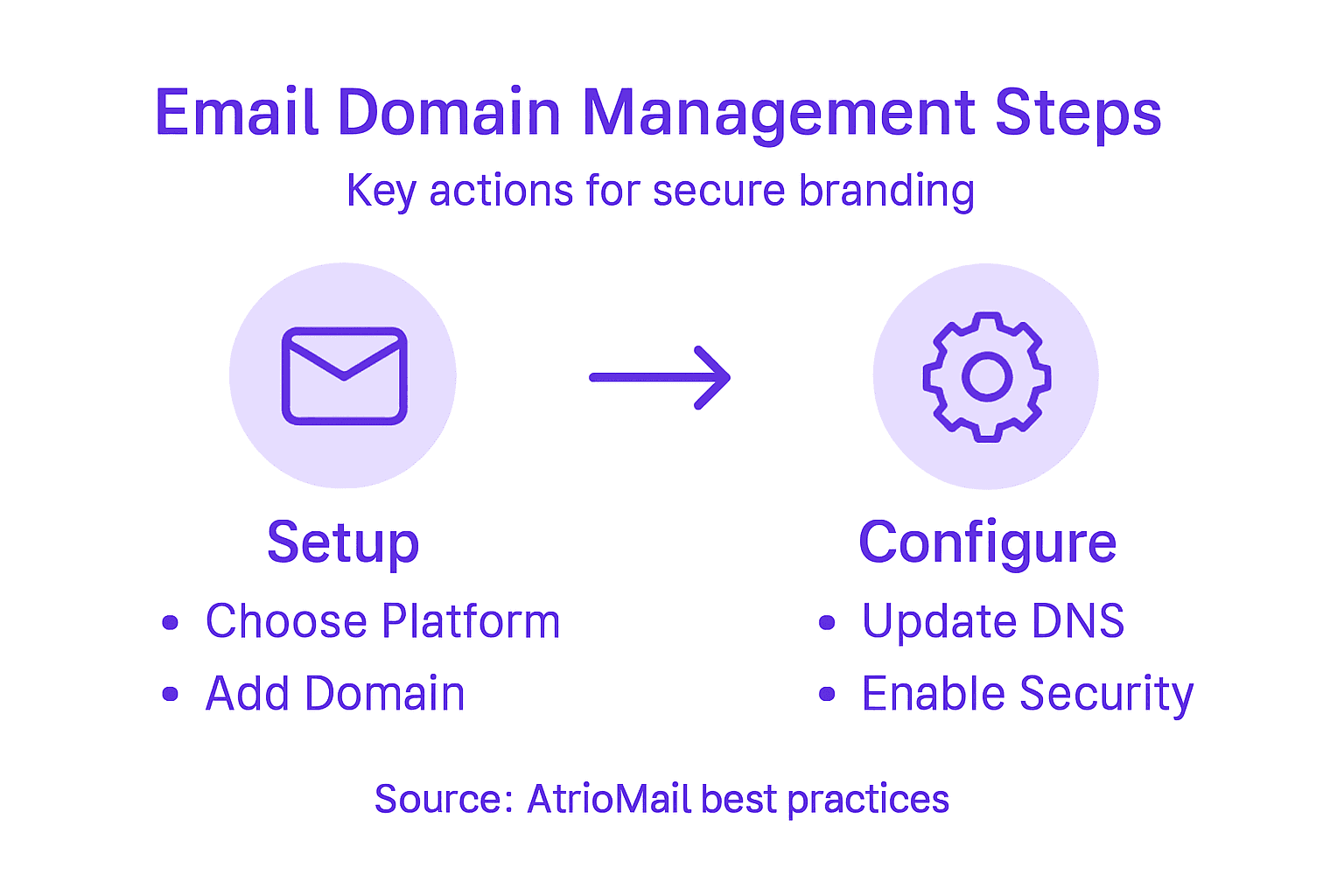
Step 1: Prepare domain environment and choose platform
Building a robust domain environment starts with strategic platform selection and thorough preparation. Your goal in this critical first step is to establish a solid foundation for secure, scalable email domain management that aligns with your business branding needs.
Choosing the right platform involves evaluating several key factors that impact your email infrastructure. Start by assessing platforms that offer comprehensive domain security features, including DNS management, security protocols, and white-label customization options. Look for solutions that provide:
- Automated DNS configuration support
- SPF, DKIM, and DMARC validation tools
- Flexible subdomain and alias management
- Robust access control and user permission settings
- Seamless API integration capabilities
When evaluating potential platforms, consider your specific organizational requirements. Will you need to support multiple client domains? Do you require granular branding controls? Platforms that offer usage-based scaling and white-label infrastructure will provide the most flexibility for growing your email hosting business.
Platform selection is more than a technical decision – it’s a strategic investment in your operational efficiency and client experience.
Pro tip: Always request a detailed demo or trial period to thoroughly test the platform’s domain management capabilities before making a final commitment.
Step 2: Configure DNS records for MX, SPF, DKIM, and DMARC
Configuring DNS records is a critical step in establishing a secure and reliable email domain infrastructure. Your goal is to implement robust authentication mechanisms that protect against email spoofing and enhance deliverability.
Start by setting up your MX (Mail Exchanger) records, which direct incoming email to the correct mail servers. Next, focus on implementing email authentication protocols that work together to verify email legitimacy:
- SPF (Sender Policy Framework): Specify authorized sending IP addresses
- DKIM (DomainKeys Identified Mail): Add cryptographic signatures for message integrity
- DMARC (Domain-based Message Authentication): Enforce authentication policies
Each protocol plays a unique role in your email security strategy. SPF defines which servers can send email on your domain’s behalf, while DKIM adds a digital signature that validates the email’s origin. DMARC then ties these together by specifying how to handle emails that fail authentication checks.
Proper DNS configuration is your first line of defense against email-based security threats.
When configuring these records, pay close attention to the specific syntax and requirements for each protocol. Most DNS management platforms provide templates and guidance to simplify this process.

Here’s how the main email authentication protocols differ:
| Protocol | Purpose | Example Business Impact |
|---|---|---|
| SPF | Specifies sending IPs | Reduces phishing risk |
| DKIM | Validates email content | Increases trust deliverability |
| DMARC | Enforces policies | Blocks spoofed emails |
| MX | Routes incoming mail | Ensures email reception |
Pro tip: Use online DNS validation tools to verify your record configurations and ensure complete coverage across all authentication protocols.
Step 3: Automate domain validation and service provisioning
Automating domain validation and service provisioning transforms your email infrastructure from a manual, time-consuming process into a streamlined, efficient operation. Your objective is to implement systems that reduce human error, accelerate deployment, and ensure consistent configuration across multiple domains.
Begin by selecting platforms that offer comprehensive domain management workflows with robust automation capabilities. These systems should support key automation features such as:
- Automatic DNS record verification
- Standardized domain configuration templates
- Self-service provisioning workflows
- Integrated security compliance checks
- Real-time validation and reporting
The goal of automation is to create a repeatable, scalable process that minimizes manual intervention. Implement workflows that can automatically validate domain ownership, configure necessary DNS records, and provision services without requiring extensive human oversight. This approach not only reduces administrative burden but also dramatically decreases the potential for configuration errors.
Automation isn’t just about speed – it’s about creating a consistent, secure, and reliable domain management ecosystem.
Integrate your automation tools with existing identity and access management systems to ensure seamless user provisioning and access control. This creates a holistic approach to domain and service management that adapts quickly to organizational changes.
Key benefits of automating domain management include:
| Benefit | Result | Long-Term Value |
|---|---|---|
| Fewer manual errors | Secure configuration | Reduced support costs |
| Faster deployments | Quick onboarding | Enhanced client experience |
| Consistent setups | Reliable operations | Easier scaling |
Pro tip: Conduct periodic audits of your automation workflows to identify potential optimization opportunities and ensure they continue to meet your evolving business requirements.
Step 4: Customize branding and access controls for clients
Customizing branding and access controls is crucial for creating a professional, secure email hosting environment that reflects your clients’ unique organizational needs. Your goal is to implement flexible white-label configurations that balance brand consistency with robust security protocols.
Start by implementing identity and access management best practices that enable granular client customization. Key areas to focus on include:
- Custom logo and color scheme integration
- Role-based access control configurations
- Client-specific domain branding options
- Multilevel permission hierarchies
- Personalized login page designs
Develop a modular branding framework that allows clients to maintain their unique visual identity while ensuring consistent functionality across your email platform. This approach enables you to offer tailored solutions without compromising system-wide security standards.
Effective branding customization transforms your email service from a generic tool into a seamless extension of your clients’ professional ecosystem.
Implement multifactor authentication and detailed audit logging to provide clients with comprehensive security controls. These features not only enhance protection but also give clients confidence in your platform’s commitment to their organizational safety.
Pro tip: Create flexible template systems that allow quick branding adjustments while maintaining underlying security configurations to streamline client onboarding and customization processes.
Step 5: Verify email delivery and security configurations
Verifying email delivery and security configurations is a critical step in ensuring your email infrastructure maintains high performance, reliability, and protection against potential threats. Your objective is to implement comprehensive validation processes that confirm the integrity and effectiveness of your email authentication mechanisms.
Begin by systematically analyzing email management protocols that validate your email delivery infrastructure. This involves a multi-layered verification approach focusing on:
- Comprehensive SPF record validation
- DKIM signature authentication checks
- DMARC policy compliance testing
- Delivery rate and bounce rate analysis
- Email path and routing verification
Conduct thorough technical configuration assessments that go beyond surface-level checks. Use specialized diagnostic tools to simulate email sending scenarios, test authentication pathways, and identify potential vulnerabilities in your email routing and security configurations.
Email verification is not a one-time task but an ongoing process of continuous monitoring and refinement.
Ensure your verification process includes real-world testing scenarios that mimic actual email traffic patterns. This approach helps you detect subtle configuration issues that might compromise email deliverability or create potential security risks.
Pro tip: Implement automated monitoring systems that provide real-time alerts about configuration changes or potential authentication failures to maintain consistent email security and performance.
Simplify Your Email Domain Management and Elevate Your Brand
Managing multiple client domains with secure DNS configurations and seamless automation can feel overwhelming. This article highlights the challenges of configuring MX, SPF, DKIM, and DMARC records while maintaining consistent white-label branding and robust access controls. If you want to avoid manual errors, accelerate domain provisioning, and deliver professional email services that reflect your clients’ unique identities, you need a solution built for resellers and IT agencies.
AtrioMail offers a fully managed SaaS platform designed to empower you with automated domain validation, scalable infrastructure, and complete brand control. With features like API integration, flexible subdomain management, and customizable branding, you can streamline onboarding and provide your clients with a trusted, secure email ecosystem free from the constraints of major providers.
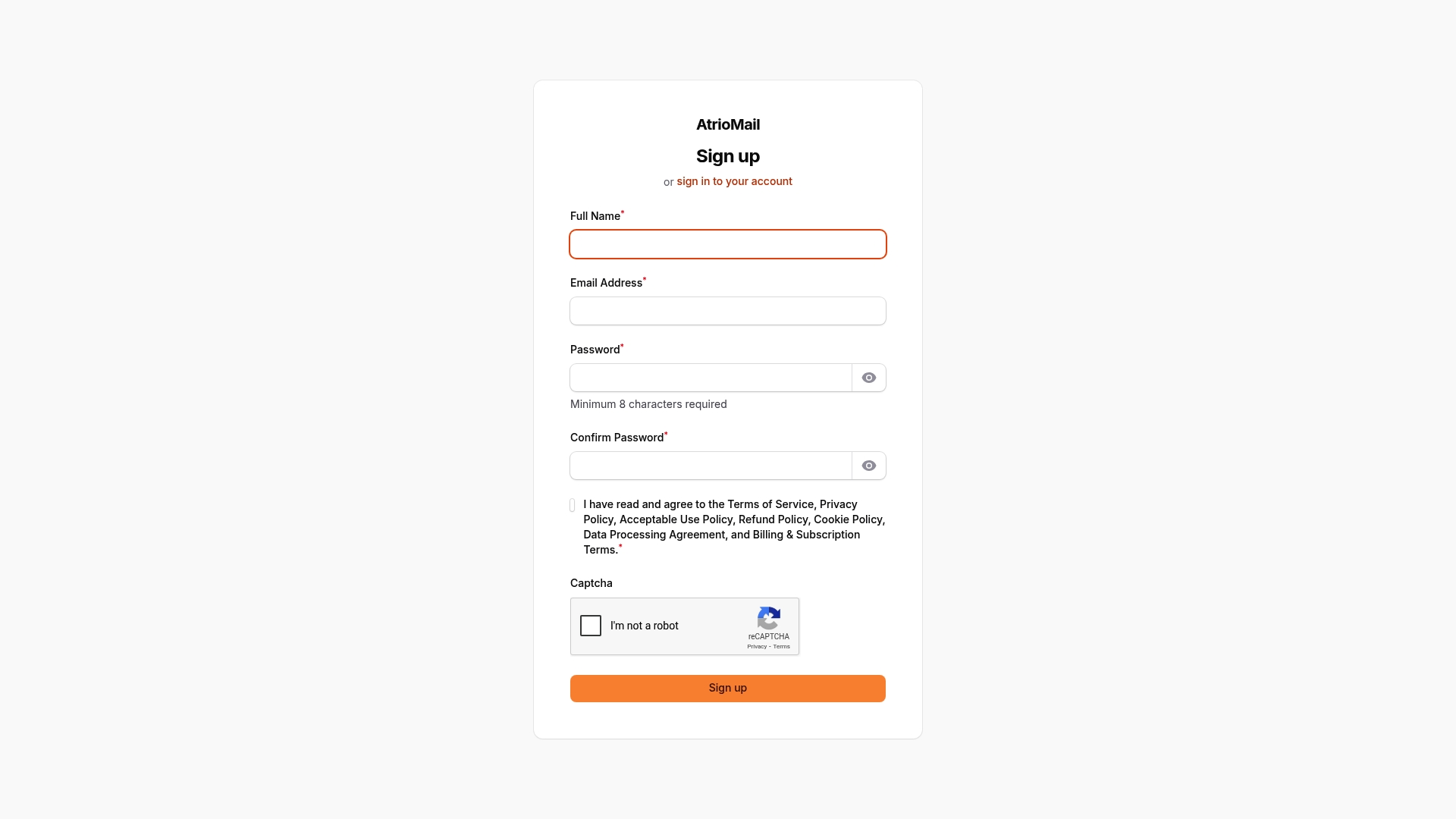
Ready to take control of your email domain management and boost your business efficiency? Register today at AtrioMail to start your free trial. Explore how our white-label email hosting solutions can help you automate DNS configurations and offer seamless client branding with enterprise-grade security.
Frequently Asked Questions
What are the essential steps to prepare my domain environment for email branding?
To prepare your domain environment, start by selecting a platform that offers strong domain security features, like automated DNS configuration support and email authentication tools. Ensure you assess your organization’s specific needs, such as supporting multiple client domains, to choose the right solution.
How do I configure DNS records for effective email authentication?
Configure your DNS records by setting up MX records to direct incoming emails and implementing SPF, DKIM, and DMARC for authentication. Focus on correctly formatting these records, as proper configuration is crucial for protecting against email spoofing and enhancing deliverability.
What automation features should I look for in domain management platforms?
Look for automation features that include automatic DNS record verification and self-service provisioning workflows. These capabilities will streamline your domain management processes, reduce manual errors, and speed up service deployment, allowing for faster onboarding.
How can I customize branding for my email hosting clients?
To customize branding for your email clients, implement identity and access management best practices that allow for logo and color scheme integration, along with role-based access controls. This flexibility will help present a professional image while maintaining security across your email platform.
What steps should I take to verify my email delivery and security configurations?
Verify your email delivery and security configurations by analyzing SPF, DKIM, and DMARC protocols, along with monitoring delivery and bounce rates. Conduct thorough assessments, and test your email routing to ensure all security measures are functioning correctly and effectively for ongoing protection.