
Every email service reseller knows that frustrated clients rarely become long-term partners. For North American providers, offering white-label email solutions that deliver reliable support and a strong brand presence is vital for both client retention and profit margins. By focusing on consistent email branding and integrated technical tools, your business can ensure every customer touchpoint feels credible and seamless. This guide highlights proven steps to strengthen support systems, making your services stand out while protecting margins.
Table of Contents
- Step 1: Set Up Essential Support Tools and Branding
- Step 2: Configure Automated DNS Validation and Domain Management
- Step 3: Implement Client Onboarding and Communication Procedures
- Step 4: Resolve Technical Issues and Verify Service Functionality
- Step 5: Monitor Client Satisfaction and Optimize Support Workflows
Quick Summary
| Key Point | Explanation |
|---|---|
| 1. Choose Integrated Support Tools | Utilize tools that connect seamlessly with your email to enhance branding and efficiency. |
| 2. Implement DNS Security Protocols | Set up SPF, DKIM, and DMARC to ensure email deliverability and prevent spoofing. |
| 3. Standardize Client Onboarding | Create a clear onboarding process with guidelines and checklists to build trust. |
| 4. Develop Robust Technical Support | Establish a systematic troubleshooting method to quickly resolve technical issues. |
| 5. Monitor Client Satisfaction Regularly | Conduct surveys and discuss feedback to continuously improve your support services. |
Step 1: Set Up Essential Support Tools and Branding
Creating a robust client support infrastructure requires strategic planning and the right set of tools to deliver a professional, branded experience. Your goal is to design a support ecosystem that not only resolves customer issues efficiently but also reinforces your brand’s unique identity and commitment to service.
Begin by selecting support tools that integrate seamlessly with your email hosting platform. These should include:
- Ticketing system with customizable email templates
- Live chat software that matches your brand colors and design
- Knowledge base platform for self-service customer support
- Customer relationship management (CRM) tool for tracking interactions
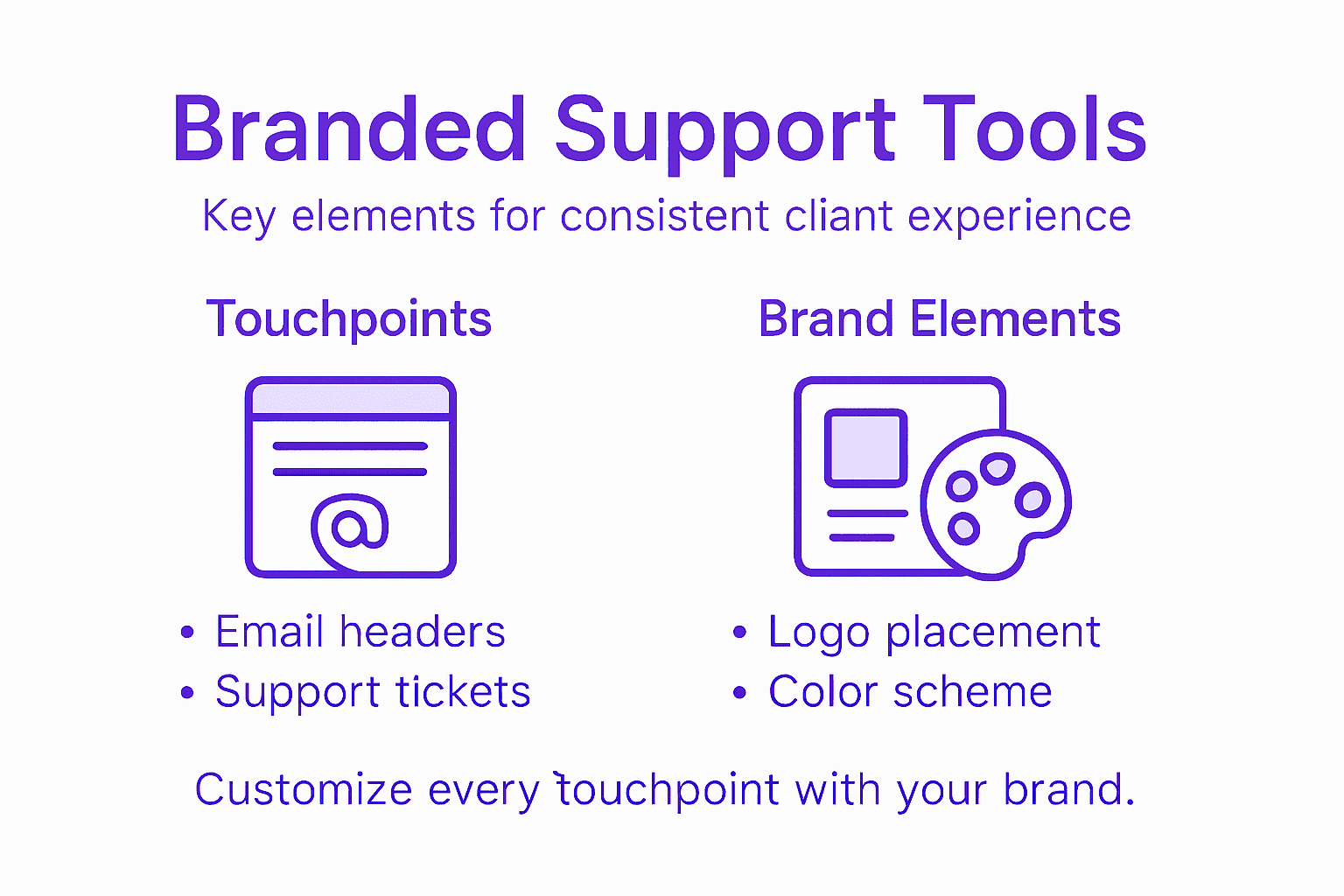
When developing your support tools, focus on email branding best practices to create a cohesive visual experience. This means ensuring consistent color schemes, typography, and imagery across all customer communication channels. By maintaining visual continuity, you project professionalism and build trust with your clients.
Integrate your brand elements into every touchpoint, from support ticket headers to chat interfaces. Your goal is to make every interaction feel like a natural extension of your company’s identity.
Here’s how key support tools impact client satisfaction and operations:
| Tool Type | Primary Business Impact | Branding Opportunity |
|---|---|---|
| Ticketing System | Efficient issue resolution | Custom email templates |
| Live Chat Software | Real-time client engagement | Branded chat interface |
| Knowledge Base Platform | Reduced support workload | Consistent help center look |
| Customer Relationship Management | Relationship tracking | Integrated brand profiles |
Pro tip: Design email and support tool templates with your brand’s primary and secondary colors to create an immediate, recognizable visual connection with your customers.
Step 2: Configure Automated DNS Validation and Domain Management
Configuring automated DNS validation is a critical step in establishing a secure and reliable email infrastructure for your reseller business. By implementing robust domain management protocols, you’ll ensure high deliverability and protect your clients’ email reputation.
Start by setting up the essential DNS authentication protocols:
- Sender Policy Framework (SPF) to specify authorized mail servers
- DomainKeys Identified Mail (DKIM) for email signature validation
- Domain-based Message Authentication to establish comprehensive email verification policies
Implementing these protocols requires careful configuration of your DNS records. SPF record setup prevents email spoofing by explicitly defining which servers can send emails on behalf of your domain. This step is crucial for maintaining email deliverability and establishing trust with recipient mail servers.

Each domain you manage should have a comprehensive DNS validation strategy that includes multiple authentication mechanisms. Automated tools can help streamline this process, allowing you to quickly validate and configure DNS settings across multiple client domains.
This summary distinguishes core DNS authentication protocols and their main benefits:
| Protocol | Main Function | Key Benefit |
|---|---|---|
| SPF | Authorize sending mail servers | Prevents spoofed emails |
| DKIM | Validate email authenticity | Guards against tampering |
| DMARC | Set enforcement policies | Enables clear reporting |
Pro tip: Regularly audit your DNS records and authentication protocols to ensure ongoing email security and optimal deliverability.
Step 3: Implement Client Onboarding and Communication Procedures
Designing a comprehensive client onboarding process is essential for establishing trust and ensuring smooth initial interactions with your email hosting services. Your goal is to create a structured, transparent approach that guides new clients through setup, configuration, and initial support.
Begin by developing a standardized onboarding workflow that includes these critical components:
- Welcome package with detailed service information
- Account provisioning checklist
- Initial configuration guidelines
- Support contact information
Best practices for client communication emphasize creating clear, consistent documentation that sets realistic expectations. Develop comprehensive onboarding materials that outline each stage of the process, including expected timelines, support channels, and initial setup requirements.
Transparent communication during onboarding builds client confidence and reduces potential friction points in the early stages of your relationship.
Utilize automated onboarding tools to streamline account setup, send automated status updates, and maintain consistent communication throughout the initial engagement. This approach helps reduce manual workload while ensuring each client receives a professional, personalized experience.
Pro tip: Create a standardized onboarding checklist that can be quickly customized for each new client to ensure consistent and thorough initial support.
Step 4: Resolve Technical Issues and Verify Service Functionality
Technical issue resolution requires a systematic approach that quickly identifies, diagnoses, and resolves email service disruptions while maintaining client confidence. Your primary objective is to develop a robust troubleshooting workflow that minimizes downtime and provides transparent communication throughout the resolution process.
Implement a comprehensive technical support strategy with these key components:
- Initial diagnostic checklist for rapid problem identification
- Escalation protocol for complex technical challenges
- Root cause analysis documentation
- Client communication template for issue updates
Technical support workflows should incorporate automated monitoring tools that detect critical failures in email delivery, configuration errors, and authentication mechanisms. This approach enables proactive identification of potential issues before they impact client operations.
Rapid, transparent incident response is fundamental to maintaining client trust and demonstrating professional service capabilities.
System configuration verification demands consistent monitoring of email server infrastructure. Regularly check DNS records, security settings, and authentication protocols to prevent potential service disruptions. Develop a standardized verification process that includes comprehensive testing of sending, receiving, spam filtering, and email authentication mechanisms.
Pro tip: Create a tiered incident response matrix that assigns resolution priorities and provides clear escalation paths for different types of technical challenges.
Step 5: Monitor Client Satisfaction and Optimize Support Workflows
Creating a dynamic client satisfaction monitoring system is crucial for continuously improving your email reseller support process. Your objective is to develop a comprehensive feedback mechanism that captures client experiences, identifies improvement opportunities, and demonstrates your commitment to exceptional service.
Implement a multi-dimensional client satisfaction tracking approach:
- Regular satisfaction surveys with targeted questions
- Performance metrics tracking response times and resolution rates
- Client feedback collection through multiple channels
- Continuous improvement documentation process
Multi-Client Email Management requires developing robust tracking mechanisms that go beyond surface-level metrics. Focus on collecting qualitative and quantitative data that provide actionable insights into your support performance.
Client satisfaction is not a destination but a continuous journey of listening, adapting, and improving your service delivery.
Create a structured workflow for analyzing client feedback, including regular review sessions where your team discusses trends, identifies systemic issues, and develops targeted improvement strategies. Implement a closed-loop feedback system that not only collects information but also demonstrates to clients how their input drives meaningful changes in your support processes.
Pro tip: Develop a standardized feedback scoring system that allows you to quantify and trend client satisfaction across different support dimensions.
Elevate Your Client Support with Fully Branded Email Hosting Solutions
Managing a seamless client support process as an email reseller is challenging. You need automated DNS validation, customizable branding, and reliable tools that reduce manual workload while enhancing client satisfaction. The article highlights critical pain points such as the need for efficient ticketing systems, domain management, and transparent client communication—all essential to building trust and scaling your business.
AtrioMail is designed to solve exactly these challenges. With our white-label email hosting platform, you gain full control over branding and domain management, alongside automated DNS configuration for SPF, DKIM, and DMARC. These features simplify onboarding, improve deliverability, and help you maintain professional support that strengthens client relationships. Our scalable infrastructure ensures you can grow without worrying about backend complexity, freeing you to focus on delivering exceptional service.
Discover how AtrioMail can help transform your client support experience and drive profitable growth now.
Don’t let technical hurdles slow you down. Get started with AtrioMail today by visiting AtrioMail platform and unlock the freedom to deliver powerful, branded email services with confidence.
Frequently Asked Questions
How can I set up a ticketing system for my email reseller business?
To set up a ticketing system, choose a platform that allows customizable email templates and integrates with your current email hosting. Begin by defining the workflow to categorize and prioritize tickets based on urgency and complexity.
What are the key DNS authentication protocols I should implement for my email services?
You should implement Sender Policy Framework (SPF), DomainKeys Identified Mail (DKIM), and Domain-based Message Authentication, Reporting & Conformance (DMARC) for comprehensive security. Set these up in your DNS records to improve email deliverability and protect your clients’ reputations.
What steps should I include in my client onboarding process?
Your client onboarding process should include sending a welcome package, providing an account provisioning checklist, and outlining the initial configuration guidelines. Aim to establish a clear and structured approach to ensure smooth interactions within the first few weeks of service.
How can I handle technical issues quickly while maintaining client trust?
To handle technical issues effectively, create an initial diagnostic checklist and establish an escalation protocol for more complex problems. Ensure client communication is transparent throughout the process to reinforce trust while you work on resolving issues.
What techniques can I use to monitor client satisfaction effectively?
Implement regular satisfaction surveys and track performance metrics such as response times and resolution rates. Establish a structured feedback collection process to gather insights and continuously enhance your support workflows based on client input.