
Over 80 percent of email breaches can be traced back to weak account protections, making robust governance a top priority for any IT manager. American regulators continue to tighten compliance expectations, leaving hosting providers worldwide facing mounting pressure to protect their client communications. This guide delivers actionable steps for building trust in your white-label email services by minimizing risks and aligning with the highest security standards.
Table of Contents
- 1. Implement Strong Password Policies For All Accounts
- 2. Enable Two-Factor Authentication On Client Access
- 3. Automate DNS Validation For MX, SPF, DKIM, And DMARC
- 4. Conduct Regular Email Account Audits And Access Reviews
- 5. Educate Users On Recognizing Phishing And Spam
- 6. Monitor And Log Suspicious Email Activity Continuously
- 7. Backup Email Data And Test Restoration Procedures
Quick Summary
| Takeaway | Explanation |
|---|---|
| 1. Implement Strong Password Policies | Use passwords that are at least 15 characters long and unique for each account to enhance security. |
| 2. Enable Two-Factor Authentication | Require two independent factors for user access to significantly reduce unauthorized entry risks. |
| 3. Automate DNS Validation | Implement automated tools to ensure correct DNS records, preventing spoofing and phishing attacks. |
| 4. Conduct Regular Account Audits | Regularly review user access and permissions to identify vulnerabilities and maintain security. |
| 5. Educate Users on Phishing Recognition | Train employees to identify phishing attempts and suspicious emails to strengthen overall email security. |
1. Implement Strong Password Policies for All Accounts
Protecting your email hosting infrastructure begins with robust password management. A well-designed password policy acts as the first line of defense against unauthorized access and potential security breaches.
Recent guidelines from the National Institute of Standards and Technology (NIST) recommend creating passwords that prioritize length over complexity. Instead of forcing intricate password requirements, focus on generating longer passphrases that are harder to crack. Security experts suggest passwords should be at least 15 characters long, unique for each account, and avoid predictable patterns.
For IT managers managing email hosting environments, implementing a comprehensive password policy involves several strategic steps. First, educate your team about creating strong passphrases that are memorable yet difficult to guess. Encourage the use of password managers to generate and securely store complex, unique passwords for different accounts. This approach reduces the risk of credential theft and simplifies password management.
Additionally, consider implementing multi factor authentication as an extra layer of security. This means even if a password is compromised, unauthorized users cannot access the system without additional verification. Password policies should also include guidelines for password storage using salted and hashed encryption methods, which protect user credentials from potential database breaches.
Key elements of an effective password policy include:
- Minimum password length of 15 characters
- Prohibiting common or previously breached passwords
- Encouraging unique passwords across different accounts
- Implementing multi factor authentication
- Regular security awareness training
Pro tip: Invest in a reputable password management tool that can automatically generate, store, and audit passwords across your organization, reducing human error and enhancing overall security.
2. Enable Two-Factor Authentication on Client Access
Two-factor authentication represents a critical shield against unauthorized email system access, transforming basic password protection into a robust security mechanism. By requiring multiple verification steps, you create a formidable barrier against potential credential theft.
Multi-factor authentication works by demanding two independent authentication factors before granting system entry. This typically involves something a user knows (like a password) and something they physically possess (such as a mobile device or security token).
For IT managers in hosting environments, implementing two-factor authentication means selecting authentication methods that balance security and user experience. Recommended verification approaches include:
- Authenticator mobile applications
- Hardware security keys
- SMS verification codes
- Biometric authentication
The primary goal is creating an additional verification layer that dramatically reduces unauthorized access risks. Even if a password is compromised, potential attackers would still need the second authentication factor to breach the system.
When configuring two-factor authentication, prioritize user friendly methods that do not overly complicate the login process. Choose solutions that integrate seamlessly with your existing email infrastructure and provide clear user guidance during setup.
Pro tip: Select two-factor authentication methods that support multiple verification channels and offer backup access mechanisms to prevent user lockouts during authentication challenges.
3. Automate DNS Validation for MX, SPF, DKIM, and DMARC
Effective email security starts with precise DNS record configuration and validation. Automated DNS validation serves as a critical shield protecting your email infrastructure from potential spoofing and phishing attacks.
DNS record automation tools help IT managers implement robust email authentication mechanisms across multiple critical records. These records include MX (mail exchange), SPF (Sender Policy Framework), DKIM (DomainKeys Identified Mail), and DMARC (Domain-based Message Authentication, Reporting, and Conformance).
Key DNS Records and Their Functions:
- MX Records: Specify mail servers responsible for receiving emails
- SPF Records: Define authorized sending servers
- DKIM Records: Provide cryptographic message signatures
- DMARC Records: Set policies for handling unauthenticated messages
Automating DNS validation means implementing systematic checks that continuously monitor and verify these records. This process identifies potential misconfigurations, ensures proper email routing, and prevents unauthorized email sending attempts.
For hosting IT managers, implementing automated validation involves selecting tools that can:
- Generate accurate DNS records
- Validate existing configurations
- Monitor for potential security risks
- Provide comprehensive reporting
By proactively managing these DNS records, you create a multilayered defense that significantly reduces email-based security threats and improves overall communication reliability.
Pro tip: Schedule quarterly automated DNS record audits to catch potential configuration drift and maintain optimal email authentication security.
4. Conduct Regular Email Account Audits and Access Reviews
Email account security demands constant vigilance through systematic and comprehensive access reviews. Periodic audits help identify potential vulnerabilities and prevent unauthorized system access before they become critical security risks.
Access control management plays a crucial role in maintaining robust email infrastructure security. IT managers must implement structured processes to create, assign, manage, and revoke user credentials and access privileges systematically.
Key Audit Focus Areas:
- Verify current user account status
- Review permission levels for each account
- Identify dormant or unused accounts
- Remove outdated access credentials
- Validate user identity and authorization
Comprehensive account audits should follow the least privilege principle, ensuring users have only the minimal access required to perform their specific job functions. This approach significantly reduces potential security vulnerabilities by limiting unnecessary system exposure.
Recommended audit frequency depends on your organization’s complexity, but most security experts suggest conducting thorough reviews quarterly. During these reviews, examine user roles, remove unnecessary permissions, and validate each account’s current operational requirements.
Technical strategies for effective account reviews include:
- Automated access reporting tools
- Cross referencing user accounts with current employee records
- Implementing role based access control systems
- Tracking login history and account activity patterns
Pro tip: Develop a standardized checklist for account audits and create automated alerts for any suspicious access or permission changes to streamline your security monitoring process.
5. Educate Users on Recognizing Phishing and Spam
Email security extends far beyond technical configurations users represent the most vulnerable and critical layer of defense against sophisticated cyber threats. Empowering your team with comprehensive knowledge about identifying malicious communications can transform potential victims into proactive security guardians.
User training programs are essential for creating a robust human firewall against social engineering attacks. Phishing attempts continue to evolve, making continuous education and awareness critical for maintaining organizational security.
Key Phishing Warning Signs:
- Unexpected or urgent email requests
- Suspicious sender email addresses
- Grammatical errors or unprofessional formatting
- Links that do not match official website domains
- Requests for sensitive personal information
- Attachments from unknown sources
- Threats or aggressive language
Effective user education should focus on developing critical thinking skills. Encourage employees to pause and verify before taking action. Teach them to independently validate communication sources, especially when emails appear to come from leadership or financial departments.
Implement practical training strategies such as:
- Regular simulated phishing tests
- Interactive cybersecurity awareness workshops
- Short video training modules
- Gamified learning experiences
- Immediate feedback mechanisms
Organizations should create a culture where reporting suspicious emails is not just encouraged but celebrated. Develop clear reporting protocols and provide users with simple tools to quickly alert IT security teams about potential threats.
Pro tip: Create a one click reporting button in your email client that allows users to instantly forward suspicious messages to your security team for rapid investigation and response.
6. Monitor and Log Suspicious Email Activity Continuously
Continuous monitoring of email traffic represents a critical defensive strategy for identifying and mitigating potential security threats before they can cause significant damage. Proactive surveillance transforms your email infrastructure from a passive communication channel into an active security monitoring system.
Security awareness programs emphasize the importance of tracking unusual email communications to detect potential social engineering attempts and malicious activities early.
Critical Monitoring Parameters:
- Unusual sender domain patterns
- Unexpected email volume spikes
- Multiple failed authentication attempts
- Suspicious attachment types
- Emails from blacklisted IP addresses
- Rapid succession of messages from single sources
- Emails with unusual routing information
Implementing comprehensive email monitoring requires a multilayered approach that combines automated tools and human oversight. Advanced logging systems should capture detailed metadata about each email transaction including sender information, routing details, authentication status, and potential risk indicators.
Effective monitoring strategies involve:
- Real time threat detection systems
- Automated alert mechanisms
- Comprehensive logging infrastructure
- Machine learning anomaly detection
- Regular security protocol updates
Organizations must develop clear incident response protocols that outline specific actions to take when suspicious activity is detected. This includes immediate notification processes, temporary account lockdowns, and forensic investigation procedures.
Pro tip: Configure your monitoring tools to generate prioritized threat reports with granular details and automated risk scoring to enable rapid triage and response.
7. Backup Email Data and Test Restoration Procedures
Recovering from potential data loss requires more than simply having a backup system email restoration demands a comprehensive and tested strategy that ensures business continuity and minimal operational disruption. Implementing robust backup and recovery procedures is not optional its a critical organizational responsibility.
Comprehensive backup strategies involve systematic approaches to preserving and protecting critical communication infrastructure. The goal is creating multiple layers of data protection that can rapidly restore functionality during unexpected events.
Essential Backup Components:
- Complete email message archives
- Folder structures and configurations
- Attachments and metadata
- User account settings
- Access permissions and roles
Effective backup procedures require a multifaceted approach that goes beyond simple file copying. Organizations must develop systematic processes that include automated backup scheduling, secure off-site storage, encryption, and periodic integrity verification.
Key restoration testing strategies involve:
- Quarterly full system recovery simulations
- Validating backup completeness and accuracy
- Documenting restoration time and potential data gaps
- Creating step by step recovery documentation
- Training multiple team members on restoration protocols
Consider implementing multiple backup storage solutions including:
- Local redundant storage systems
- Cloud based backup services
- Geographically distributed backup centers
- Encrypted offline backup archives
Pro tip: Develop a comprehensive disaster recovery runbook that includes precise restoration steps, contact information for critical personnel, and predefined communication protocols for managing potential data recovery scenarios.
Below is a comprehensive table summarizing strategies and measures for enhancing email system security covered in the article.
| Strategy | Implementation Steps | Expected Outcomes |
|---|---|---|
| Strong Password Policies | Create 15-character passphrases, use password managers, and apply multi-factor authentication. | Enhanced protection against unauthorized access and breaches. |
| Two-Factor Authentication | Implement user-friendly methods like apps or hardware keys for additional verifications. | Reduced risk of credential theft and unauthorized system entry. |
| Automated DNS Validation | Use tools for managing MX, SPF, DKIM, and DMARC records systematically. | Improved email authentication and reduced phishing severity. |
| Regular Account Audits | Verify user permissions and remove dormant accounts periodically. | Minimized system vulnerabilities and optimized account security. |
| Phishing Awareness Training | Conduct simulated phishing tests and provide interactive educational sessions. | Empowered employees capable of identifying threats proactively. |
| Continuous Activity Monitoring | Utilize logging tools for real-time anomaly detection. | Early identification and mitigation of malicious activities. |
| Email Data Backups | Schedule automatic backups and test recovery procedures quarterly. | Ensured data integrity and streamlined disaster recovery workflows. |
Elevate Your Email Security with Managed Hosting Solutions
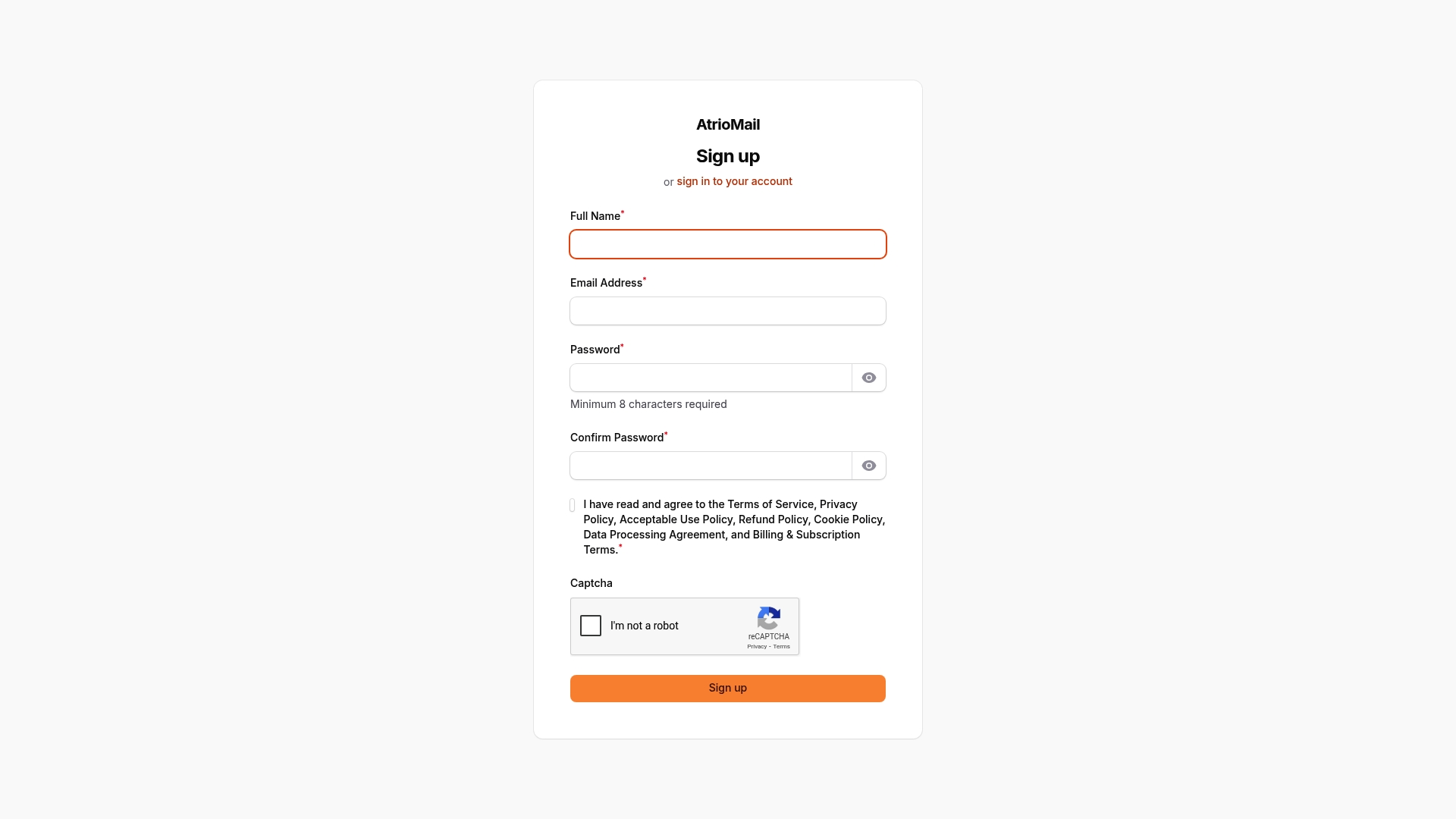
Managing email security challenges like implementing automated DNS validation and enforcing strong password policies can be complex and time consuming for hosting IT managers. The risk of misconfiguration in MX, SPF, DKIM, and DMARC records combined with the need for scalable, branded email hosting solutions means you need a reliable partner who simplifies these crucial tasks while improving your operational efficiency. AtrioMail delivers enterprise-grade email hosting with fully managed infrastructure and automated DNS validation to help you enforce the best email security practices with confidence.
Take control with AtrioMail’s white-label platform designed for resellers and IT agencies seeking complete brand ownership without the headaches of underlying email infrastructure management. Enjoy seamless integration, scalability, and security features such as built-in DNS automation, multi factor authentication support, and comprehensive client management tools.
Discover how these tools can empower your business today.
Experience the freedom and security your clients demand while growing your revenue with AtrioMail.
Explore AtrioMail’s platform to start building your branded email hosting service now.
Register now to simplify email security management and deliver reliable, secure email hosting tailored to your clients.
Secure your email infrastructure with AtrioMail and gain peace of mind through automated deployments and robust security best practices.
Frequently Asked Questions
What are the key components of a strong password policy for email security?
A strong password policy should include a minimum password length of 15 characters, prohibit common passwords, and encourage unique passwords for different accounts. Educate your team about creating memorable yet complex passphrases to enhance security and reduce unauthorized access risks.
How can I implement two-factor authentication for accessing email accounts?
To implement two-factor authentication, choose user-friendly methods such as mobile authenticator apps or hardware security keys. Aim to enable this feature on all accounts within 30 days to significantly enhance protection against unauthorized access.
What steps should I take to automate DNS validation for email security?
Automating DNS validation involves using tools to continuously monitor and verify MX, SPF, DKIM, and DMARC records. Set up systematic checks to ensure proper configurations and prevent potential security breaches, conducting audits quarterly for optimal security.
How often should I conduct email account audits and access reviews?
Conduct email account audits at least quarterly to verify user account statuses and permissions. This practice helps you identify dormant accounts and removes unnecessary access, thus reducing security vulnerabilities across your email infrastructure.
What are effective ways to educate users about recognizing phishing attempts?
Implement regular training sessions focused on identifying common phishing signs, such as unexpected requests or suspicious sender addresses. Consider using simulated phishing tests to increase awareness and reinforce critical thinking skills in your employees.
How can I continuously monitor and log suspicious email activity?
Set up real-time threat detection systems that log metadata from email transactions, capturing information such as sender domains and authentication statuses. Regularly review these logs to spot unusual patterns and respond swiftly to potential security incidents.